Chapter 2: Set up your SURFboard mAX home network
Get your SURFboard mAX router online
This topic describes how your SURFboard Central mobile app pairs with the mAX router, and
the router connects to the Internet.
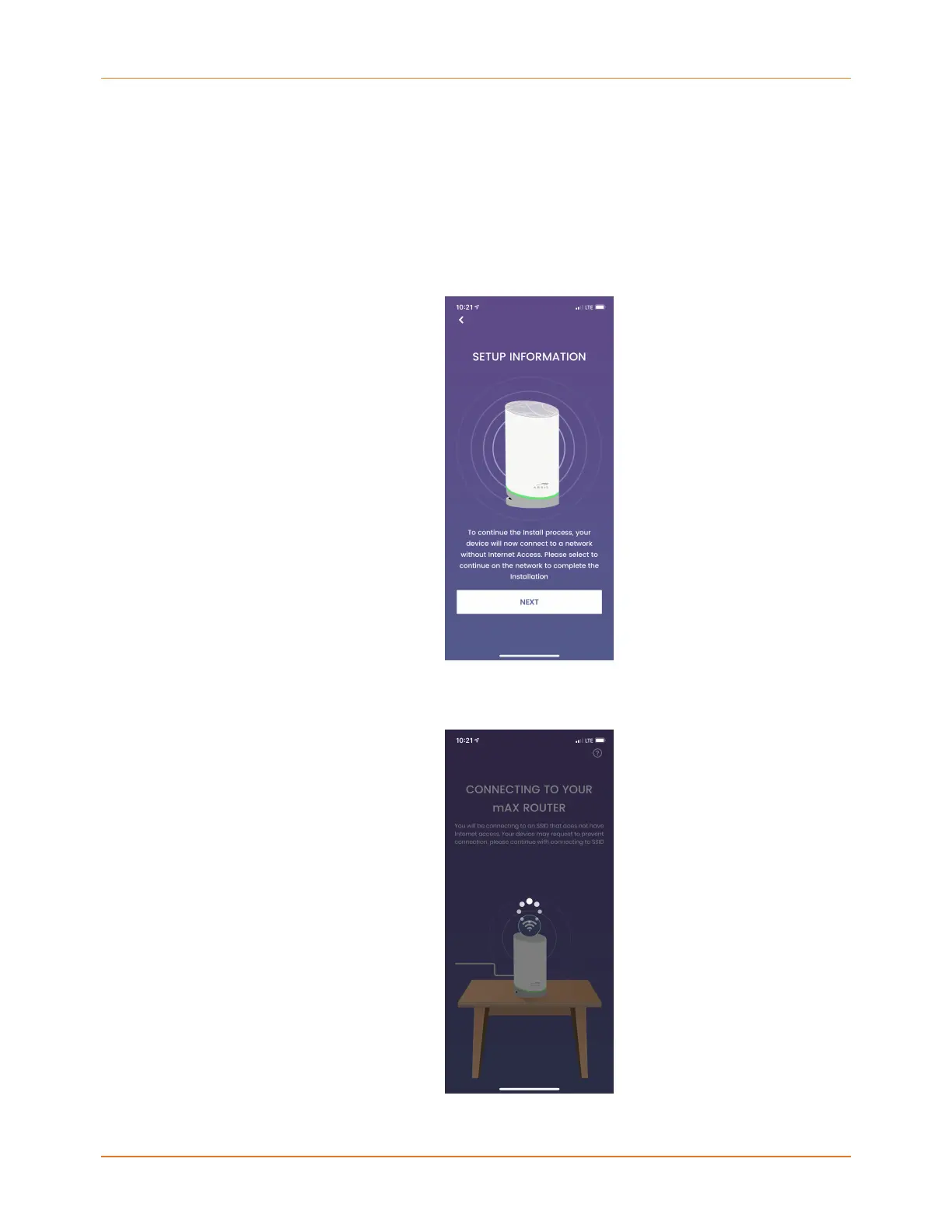
1. On the SETUP INFORMATION screen, tap NEXT to begin getting your router online.
You may receive a prompt from your mobile device to confirm connecting to the SSID.
Confirm joining to the mAX unit's SURFBoard-Onboarding SSID for configuration.
The SURFboard Central mobile app searches for the mAX router. The LED alternates
white and green during this process.
SURFboard mAX User Guide Standard Revision x.1 17



 To Next Page