Chapter 4: SURFboard Central mobile app features
Ethernet
Only devices with wired connections.
2 Total number of devices connected to the router or satellite using selected connection
type filter.
3 Number of connected devices with excellent connectivity using selected connection
type filter.
4 Number of connected devices with medium connectivity using selected connection
type filter.
5 Number of connected devices with poor connectivity using selected connection type
filter.
6 Name of device and status (online or offline).
Note: To edit a device name or password, refer to Edit name for mAX and devices
(page 30)
Online and offline device details
After you have added devices to your home Wi-Fi network, you can access information
about your online and offline devices. Tap Home at the bottom of the SURFboard Central
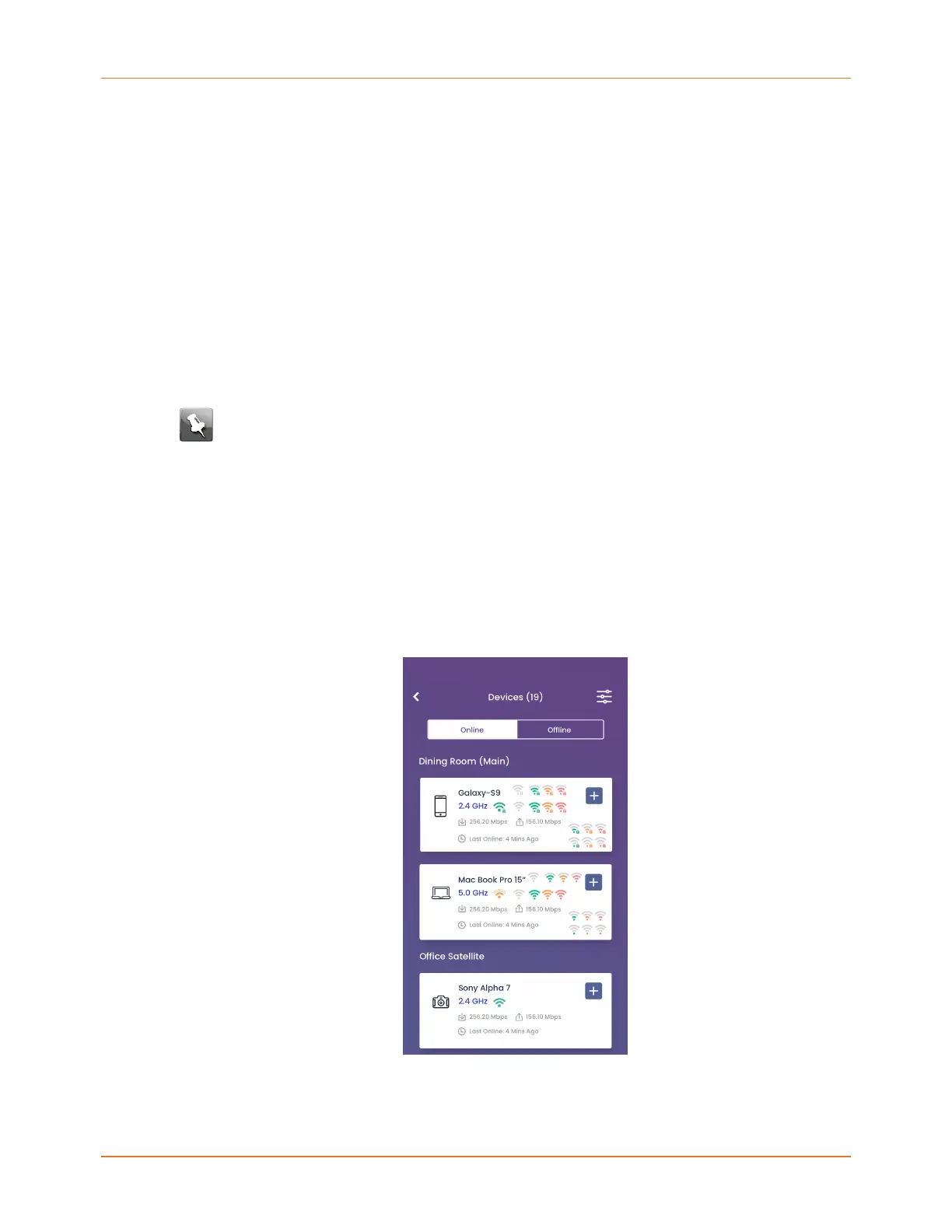
mobile app and then tap Devices to display a list of your devices.
You can browse devices by Online or Offline status by tapping the buttons at the top of
the screen. Each list of devices is grouped by the router or satellite it is currently connected
through. Tap the + by each device to expand for more information on that device.
Tap the router image on the Home screen and in the Connected Devices section, tap + to
expand a device. Tap on the expanded information to display a Device Details screen to
SURFboard mAX User Guide Standard Revision x.1 29



 To Next Page