23
EN
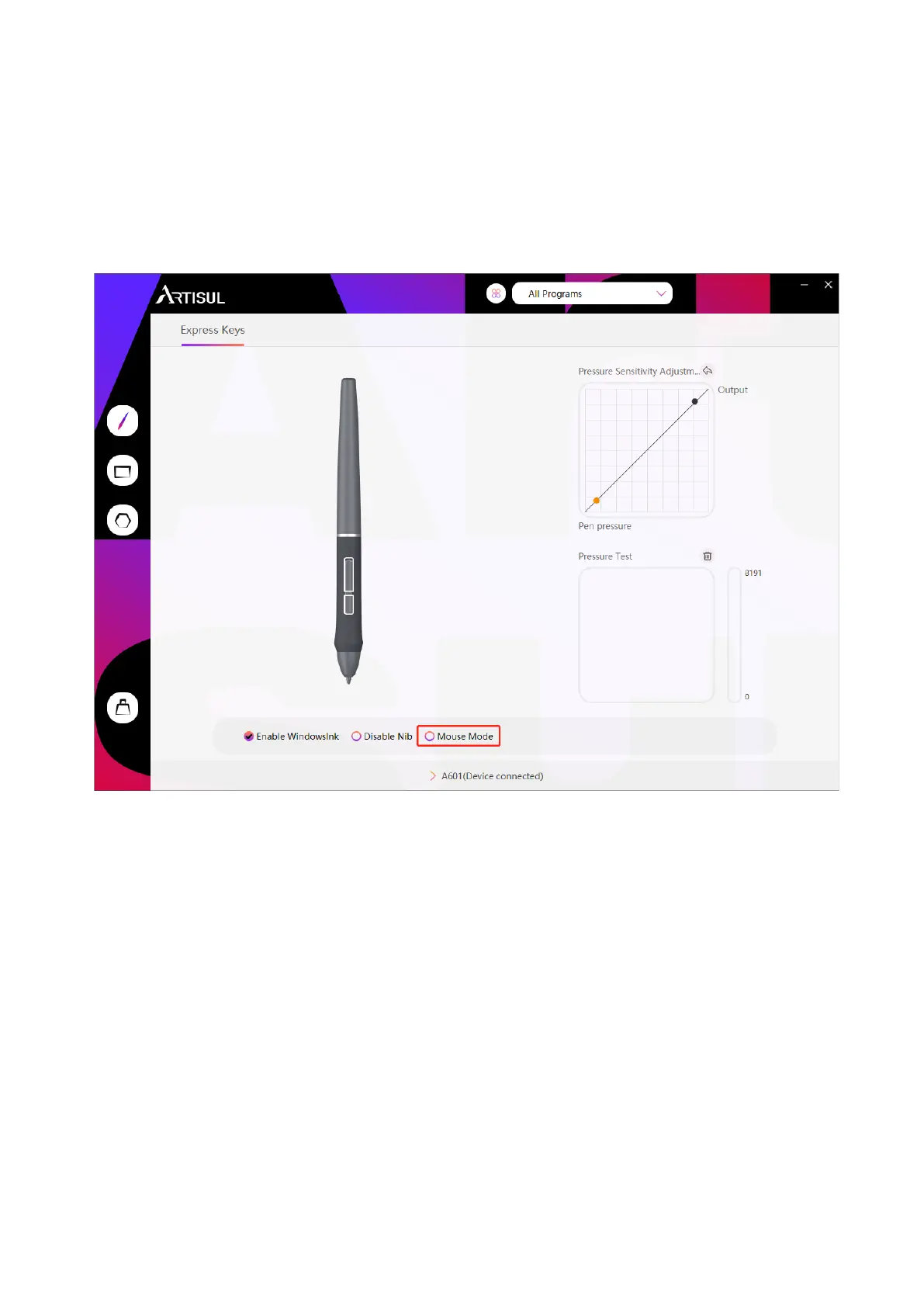
As shown below, check the checkbox in front of the mouse mode to open the mouse mode.
Under mouse mode, when you move the pen, the cursor moves following the relative
coordinate principle, similar to moving the cursor with the mouse. This means you can click
icons or select options at the edge of the screen without moving the pen to the edge of the
working area.
You can customize the function of press keys and pressure curve for different program. Select
a program, customize the function of press keys, and adjust the pressure curve, the settings
will be automatically saved.
4.8 Mouse Mode
4.9 Customize Press Keys and Pressure Curve



 To Next Page