9
EN
2. Basic Operation
2.1 Digital pen
2.1.1 Gesture
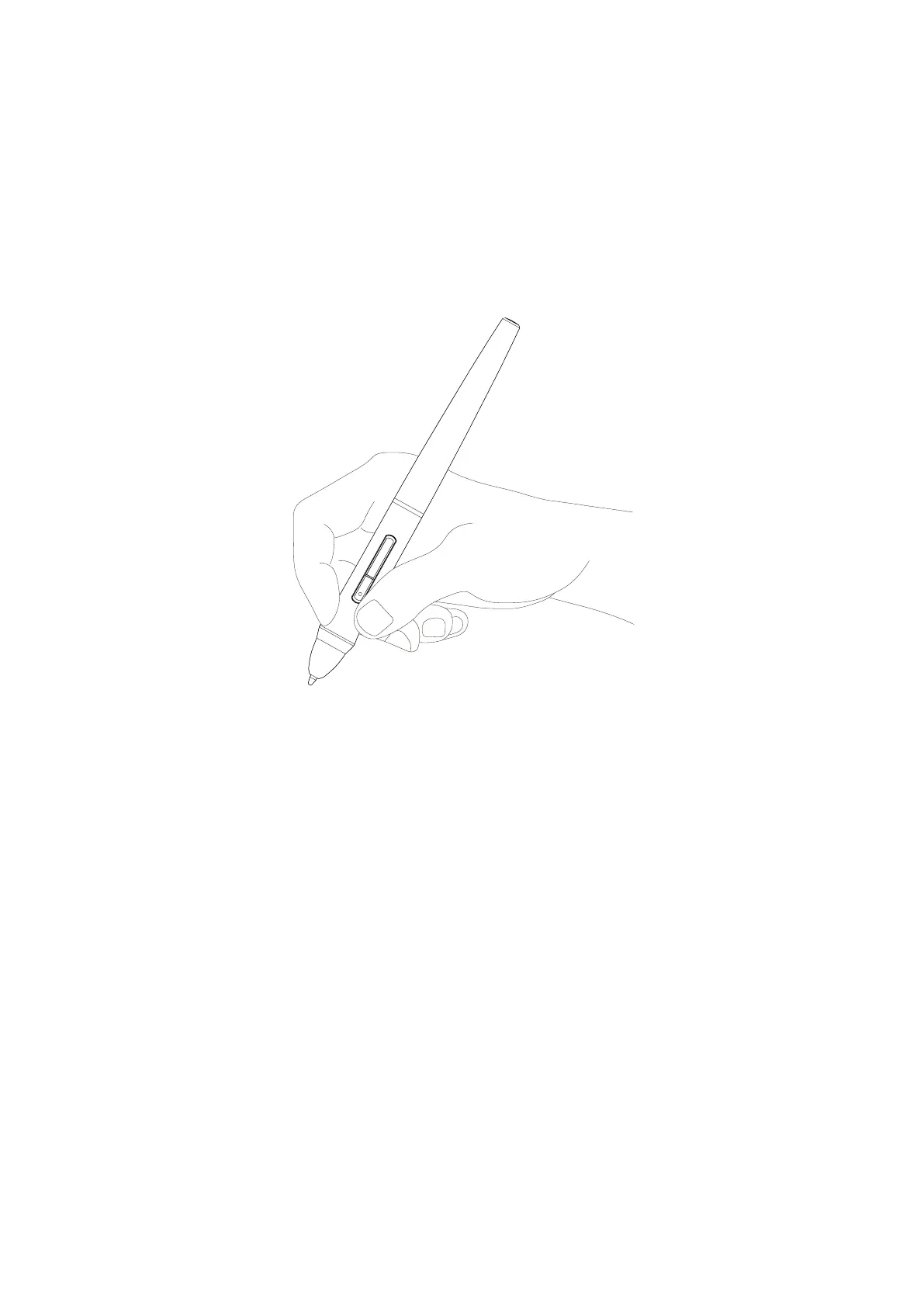
Hold the digital pen just like holding a regular pen or pencil. Adjust your grip position so that
you can easily press the pen buttons with your thumb. Please be careful not to accidentally
press the buttons when using the pen for drawing or positioning.
Note :
When not in use, the digital pen should be placed on the desktop steadily and be prevented
from falling, otherwise it may suffer from damage.



 To Next Page