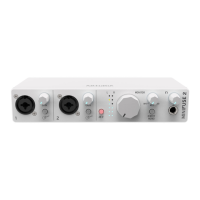
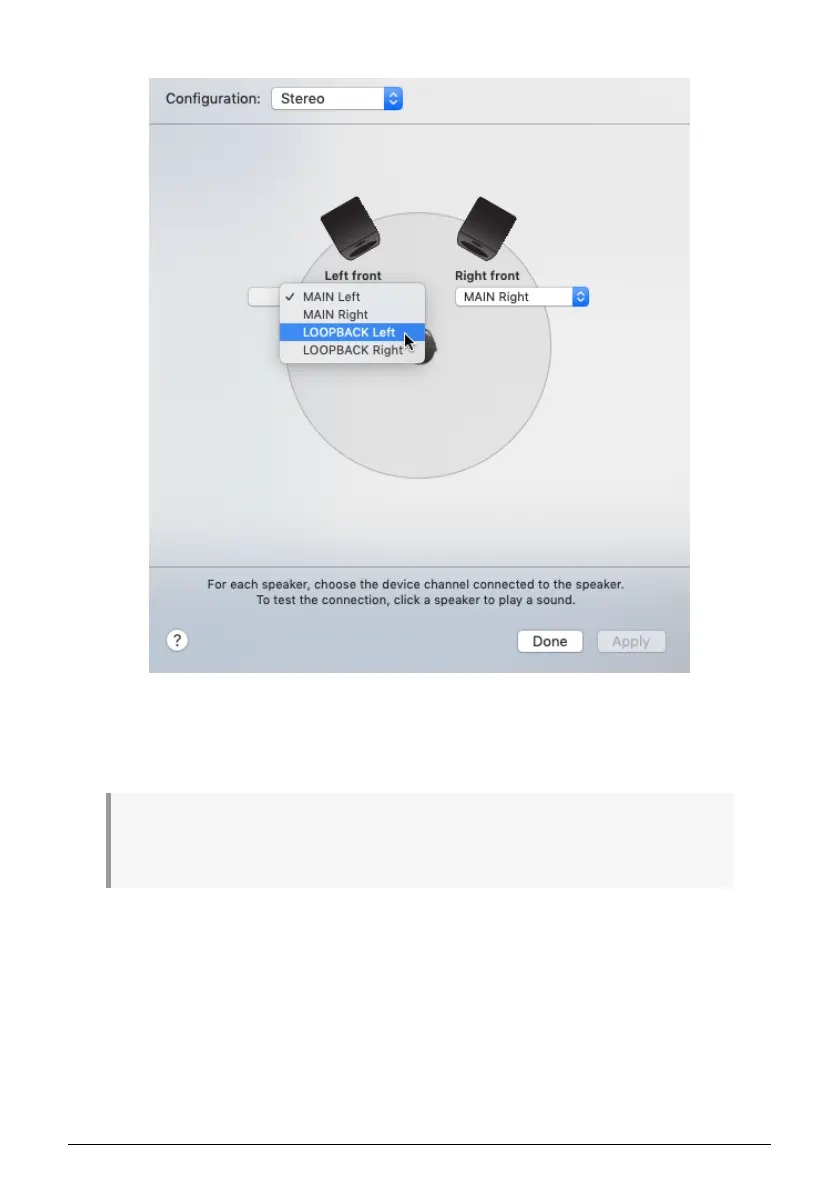
7. Now click the menu for the "Left front" speaker, and change its setting to "Loopback Left".
8. Repeat step 7, this time for the "Right front" speaker.
9. Your computer will now play all audio through the Loopback input on the MiniFuse,
allowing you to record it into your recording application.
Once you change your system output to use the Loopback output, you will not be able to hear any
computer audio until you a) record-enable a channel in your recording application, or b) switch the
output back to "Main Left/Right" inside the Configure Speakers panel in Audio MIDI Setup.
26 Arturia - User Manual MiniFuse 2 - LOOPBACK RECORDING FEATURE


 To Next Page
 Loading...