2 Aruba 310 Series Access Points | Installation Guide
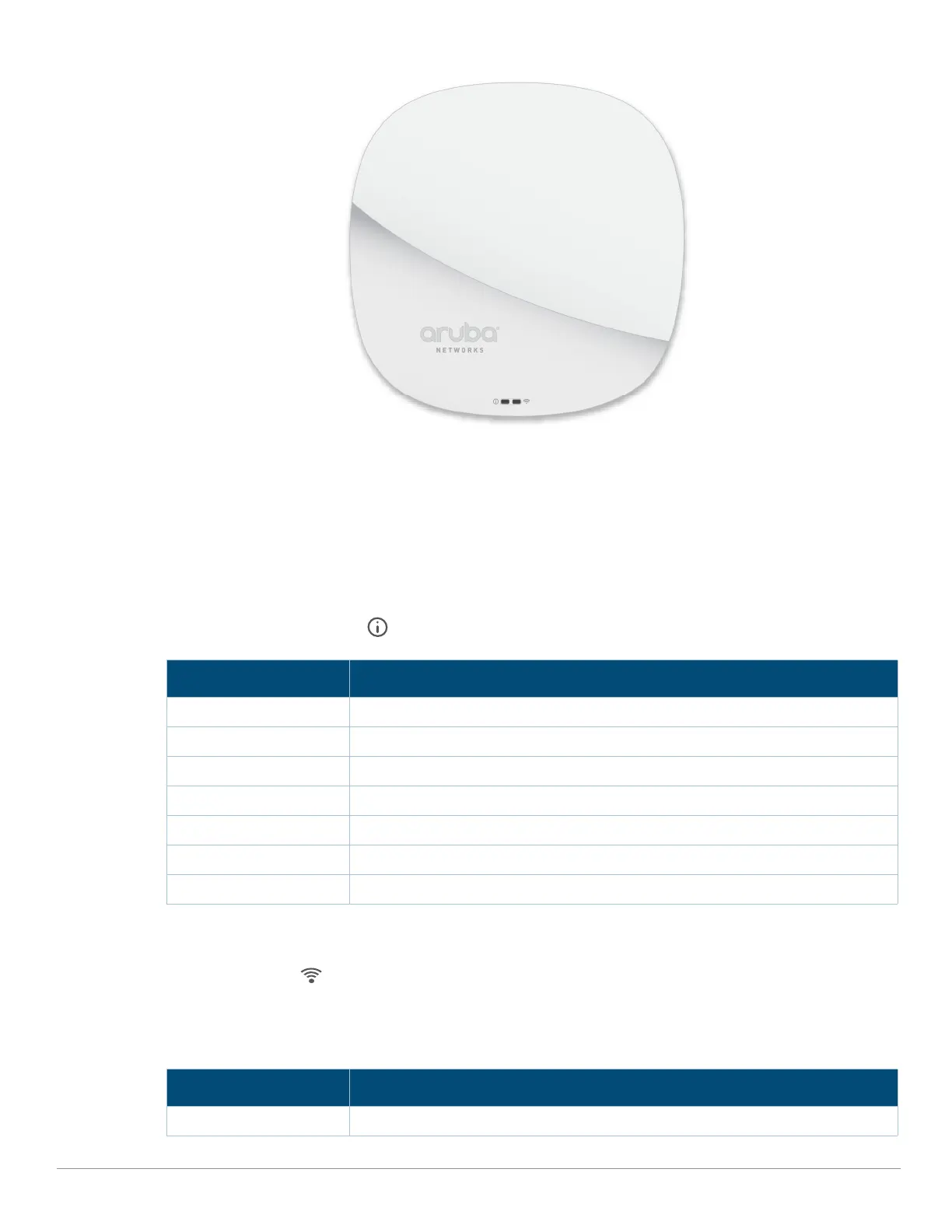
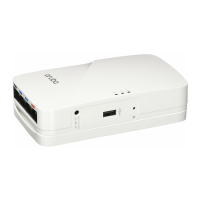
Figure 1 Aruba AP-315 (front view)
LED
The 310 Series access points have LED displays located on the front panel of the access point indicating the
following functions:
System Status
The System Status LED indicates the operating condition of the access point, See Table 1.
Table 1 System Status LEDs
1 Blinking: one second on/one second off
2 Flashing: mostly on, shortly off every two seconds
Radio Status
The Radio Status LED indicates the operating mode of the access point’s radios. See Table 2.
Table 2 Radio Status LEDs
Color/State Meaning
Off Device powered off
Green- solid Device ready for use
Green- blinking
1
Device booting, not ready for use
Amber- solid Device ready; Power Save mode (802.3af PoE)
Green/Amber- solid No software setting/network restrictions
Green/Amber - flashing
2
Sub-optimal uplink Ethernet speed (1G)
Red- solid System error condition
Color/State Meaning
Off Device powered off, or both radios disabled



 To Next Page