2 Aruba 330 Series Access Points | Installation Guide
System Status
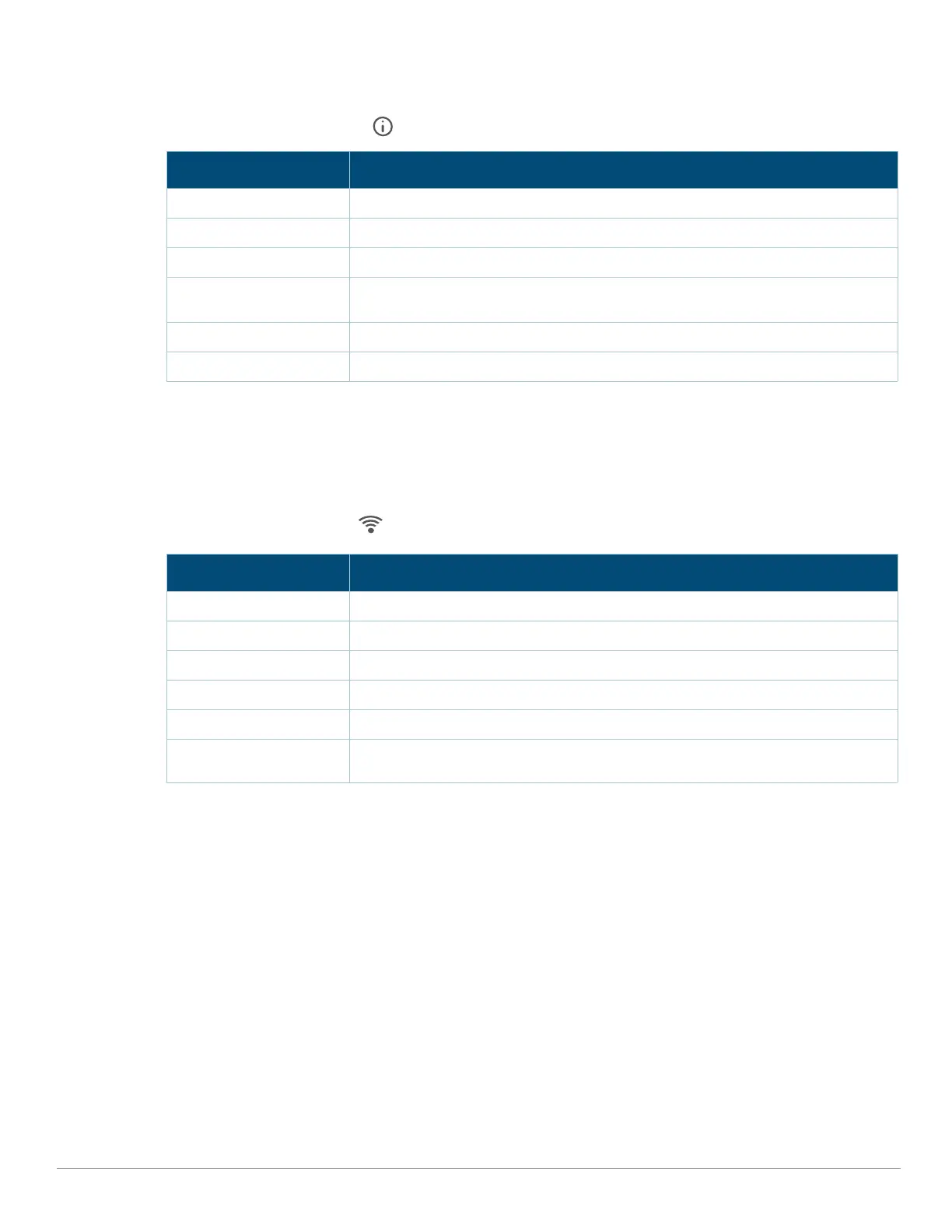
The System Status LED indicates the operating condition of the access point, See Table 1.
Table 1 System Status LEDs
1 Blinking: one second on/one second off.
2 Flashing: off a fraction of a second ever 2 seconds
Radio Status
The Radio Status LED indicates the operating mode of the access point’s radios. See Table 2.
Table 2 Radio Status LEDs
3 Alternating: light cycles alternate between green/amber
LED Display Settings
The LEDs have three operating modes that can be selected in the system management software:
Default mode: Refer to Table 1and Table 2
Off mode: LEDs are off
Blink mode: LEDs blink green
Color/State Meaning
Off Device powered off
Green- blinking
1
Device booting, not ready for use
Green- solid/flashing
2
Device ready for use; no power restrictions
Amber- solid/flashing Device is ready for use; Power Save mode:
Radios operate in 1x1 mode
Green or Amber - flashing Sub-optimal uplink Ethernet speed (either port <1Gbps)
Red/solid System error condition
Color/State Meaning
Off Device powered off; or both radios disabled
Green- solid Both radios enabled in access mode
Green- blinking One radio enabled in access mode; one radio disabled
Amber- solid Both radios enabled in AM or SA mode
Amber- blinking One radio enabled in AM or SA mode; one radio disabled
Green/Amber-
alternating
3
One radio in access mode; one in AM or SA mode.


 To Next Page