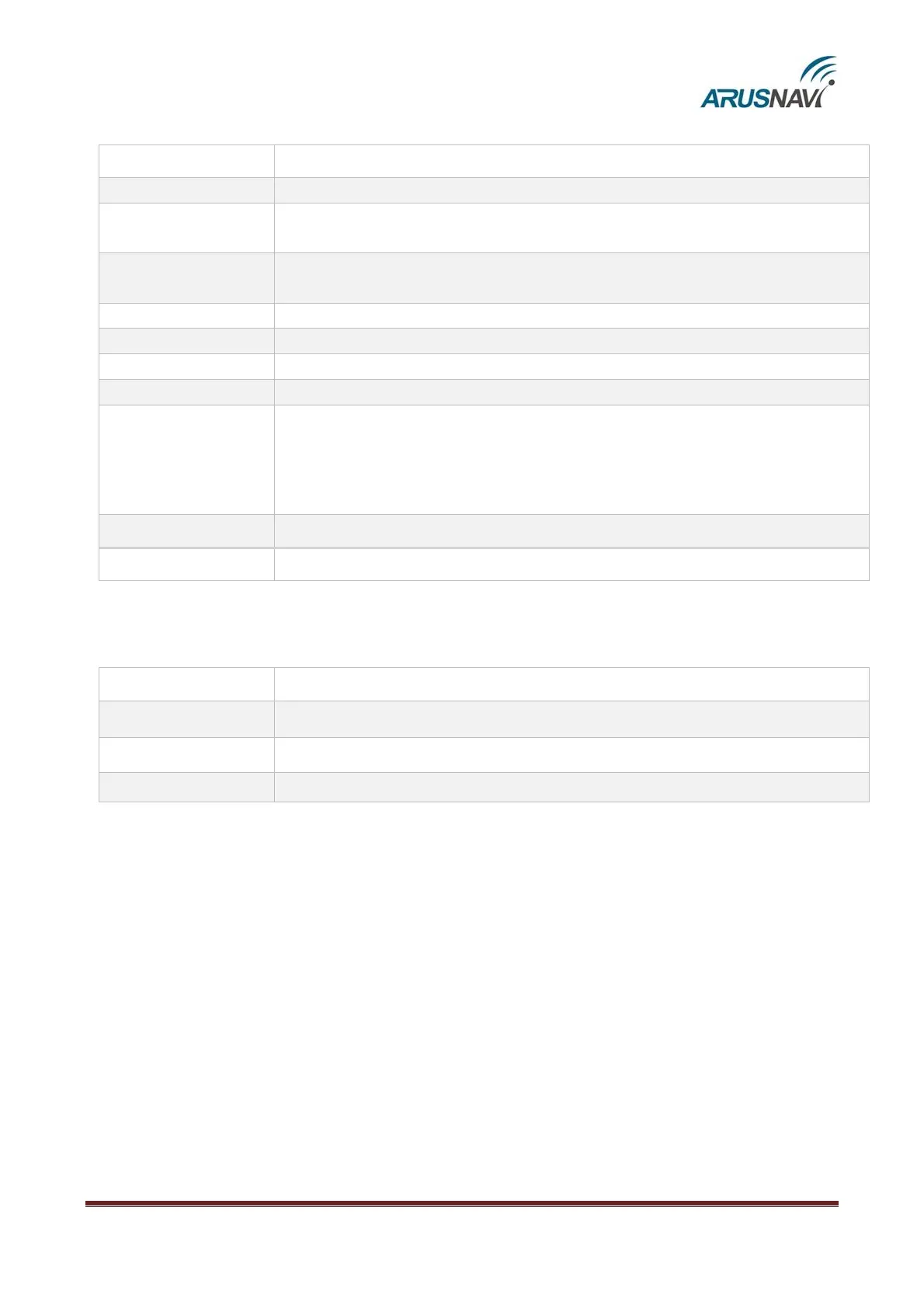
Table 5 - TCP-commands from server
send a package with coordinates to the server immediately
update the software via the web configurator even if assigned and current
versions coincide
update the software via the web configurator if assigned version differs from
the current one
update the software of the external CAN-module
download settings from the web configurator
send the current settings to the web configurator
change the output status, where x – the output number (0 – IN0 (U0), 1 – IN1
(U1), 2 – IN2 (U2), 3 – IN3 (U3)) and y – the new status (0 – off, 1 – on));
ZZ – (optional) temporary activation in seconds from 01 to 99(01 – 1 second,
10 – 10 seconds)
Upload data from tachograph "Shtrih" to server
Upload data from tachograph "Shtrih" to server using second SIM
TCP text commands (driver message)
update the software of the external CAN-module
Take a photo (ZM Camera only).
Take a photo (VC0607 Camera only).


 To Next Page