TRACKER SETTING
1.WEB CONFIGURATOR
For the remote configuration of the tracker, a cloud service, web configurator, is used. It allows
remotely configuring a device or group of devices without physical connection to the tracker via a cable
or adapter.
In addition, the web configurator service supports the function of the remote updating of device
software.
To work with the web configurator, you will need an account (login/password), which you can
always get receive at the Support Service at support@arusnavi.ru.
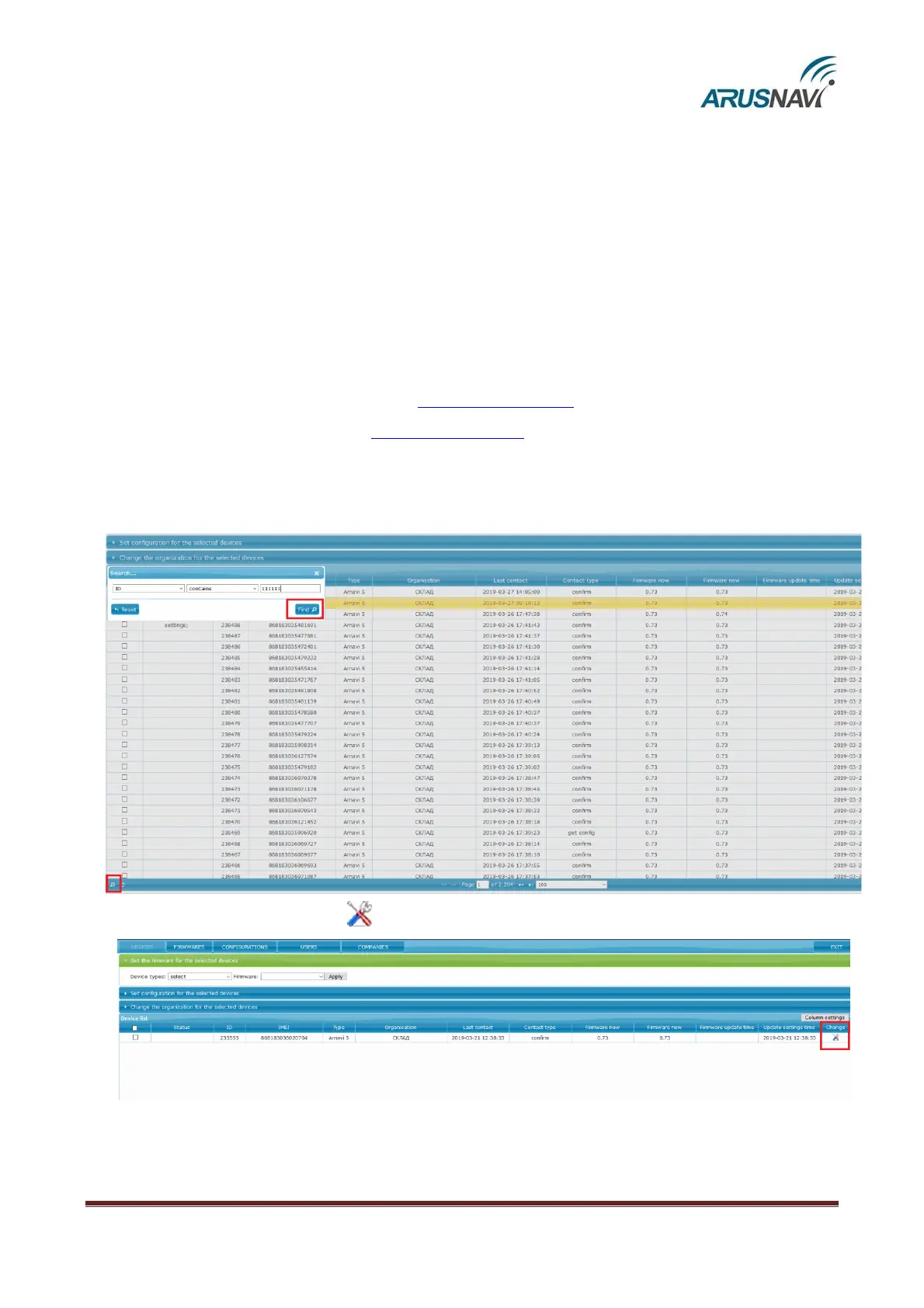
In any Internet browser, type http://ws.arusnavi.ru and access your personal section, where you
make the following steps to configure the device:
Step 1 – Through the search, at the bottom left corner, find the desired device by ID or IMEI
Step 2 – Click on the icon ‘ ’ – go to the tracker settings


 To Next Page