TD 92356GB
2007-03-16/ Ver. C
Installation Guide
PCR Charging Rack
20
7 Installation Test
IMPORTANT: To ensure that the Power Supply unit is grounded after installation,
measure between the power supplies metal shield cover and an external
ground. The Power Supply unit can otherwise be live.
1 Connect the mains power supply cable to the wall socket.
2 Check that each charging slot starts charging by putting a portable in each
charging slot. The beep only indicates that the portable is placed in the PCR
Charging Rack. The portable is charged when the LED on the portable is flashing
orange.
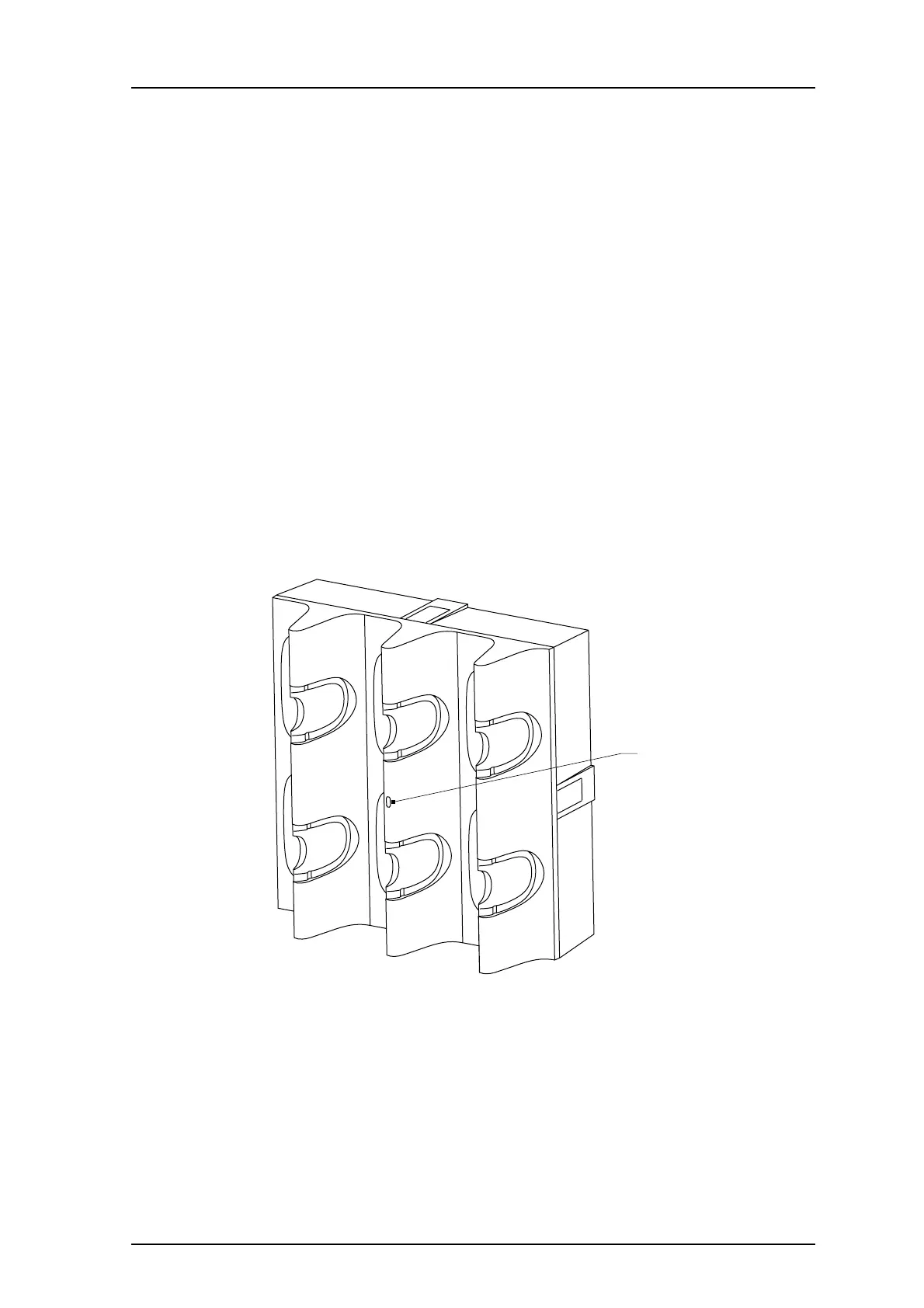
7.1 LED status on the PCR Charging Rack
Green steady: Up and running
Green flashing: Starting up
Red: Reset/watchdog
Orange flashing: A-bus is not connected
Figure 23.
LED
021
Figure 23. The position of the LED on the PCR Charging Rack.



 To Next Page