ASD Document 600541 Rev. G 14 TerraSpec® User Manual
www.asdi.com Chapter 2 Setup
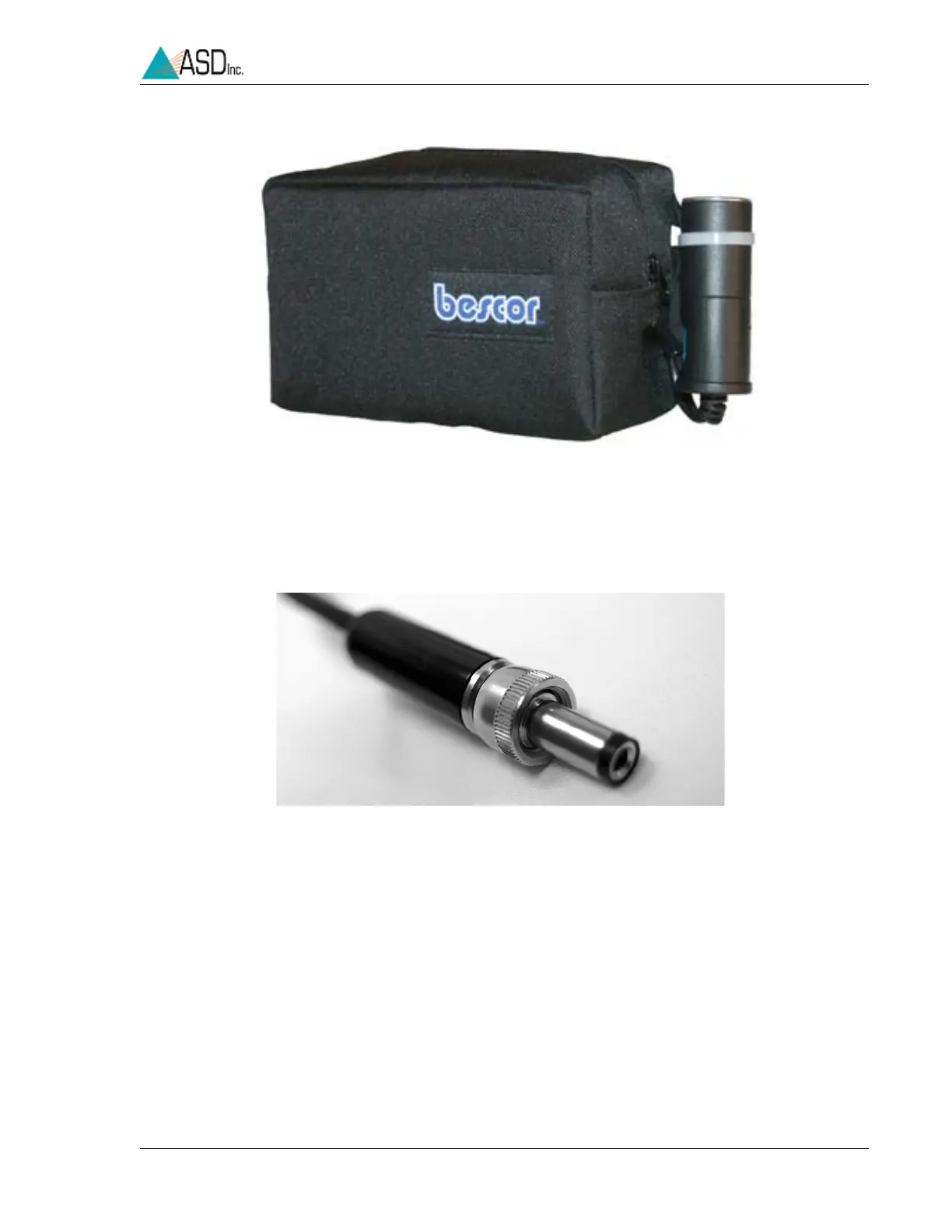
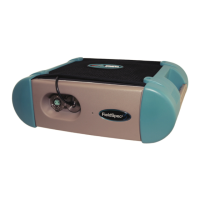
Both the external AC power supply and the DC battery pack have the
appropriate power connector (Figure 2-5) to connect to the TerraSpec
spectrometer on the back panel (Figure 2-6).
Insert power (battery or power supply) into the receptacle on the back panel
labeled “INPUT 12 VDC 50 WATT”. Lock the connector in place by
twisting the barrel end of the connector clockwise.
Figure 2-4 Portable battery pack .
Figure 2-5 TerraSpec spectrometer power connector which plugs into
the instrument.


 To Next Page