ASD Document 600541 Rev. G 17 TerraSpec® User Manual
www.asdi.com Chapter 2 Setup
Please contact ASD for information about these accessories.
WARNING! Never attempt to use unauthorized accessories on the
accessory power port
2.5 Remote Trigger
An external trigger is standard with the TerraSpec spectrometer.
The LEDs on the trigger are bright enough to be seen even on a sunny day.
The LEDs are light up when the trigger is pushed (briefly) and turn off when
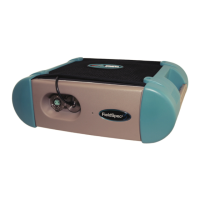
the capture is complete. Figure 2-10 shows the trigger switch with its LEDs.
The trigger plugs into the spectrometer near the fiber optic cable, as is shown
in Figure 2-11.
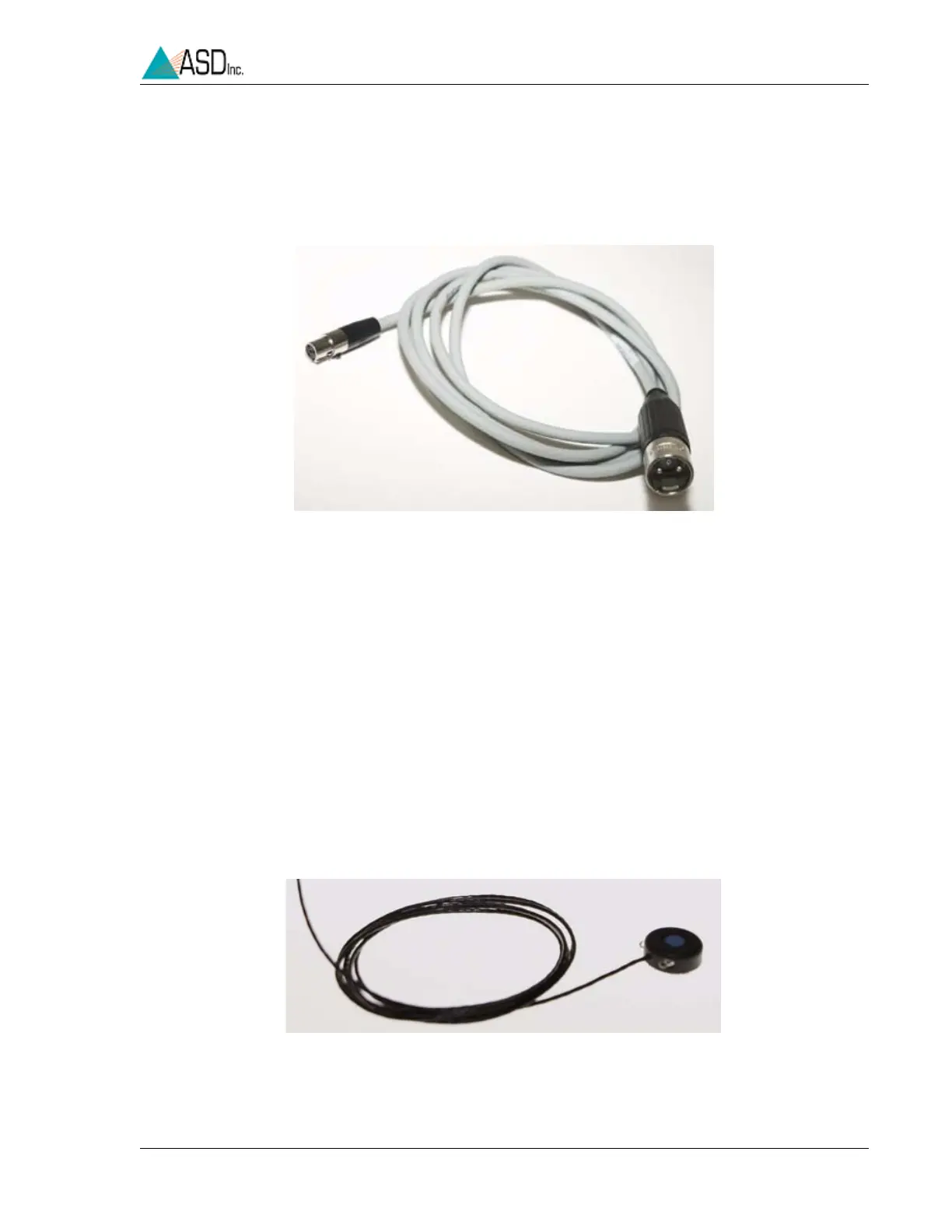
Figure 2-9 Cable used from the TerraSpec spectrometer accessory
power port to the Contact Probe, MugLite, or other
authorized ASD accessory.
Figure 2-10 External trigger.


 To Next Page