USER GUIDE XGA LCD PROJECTOR
24
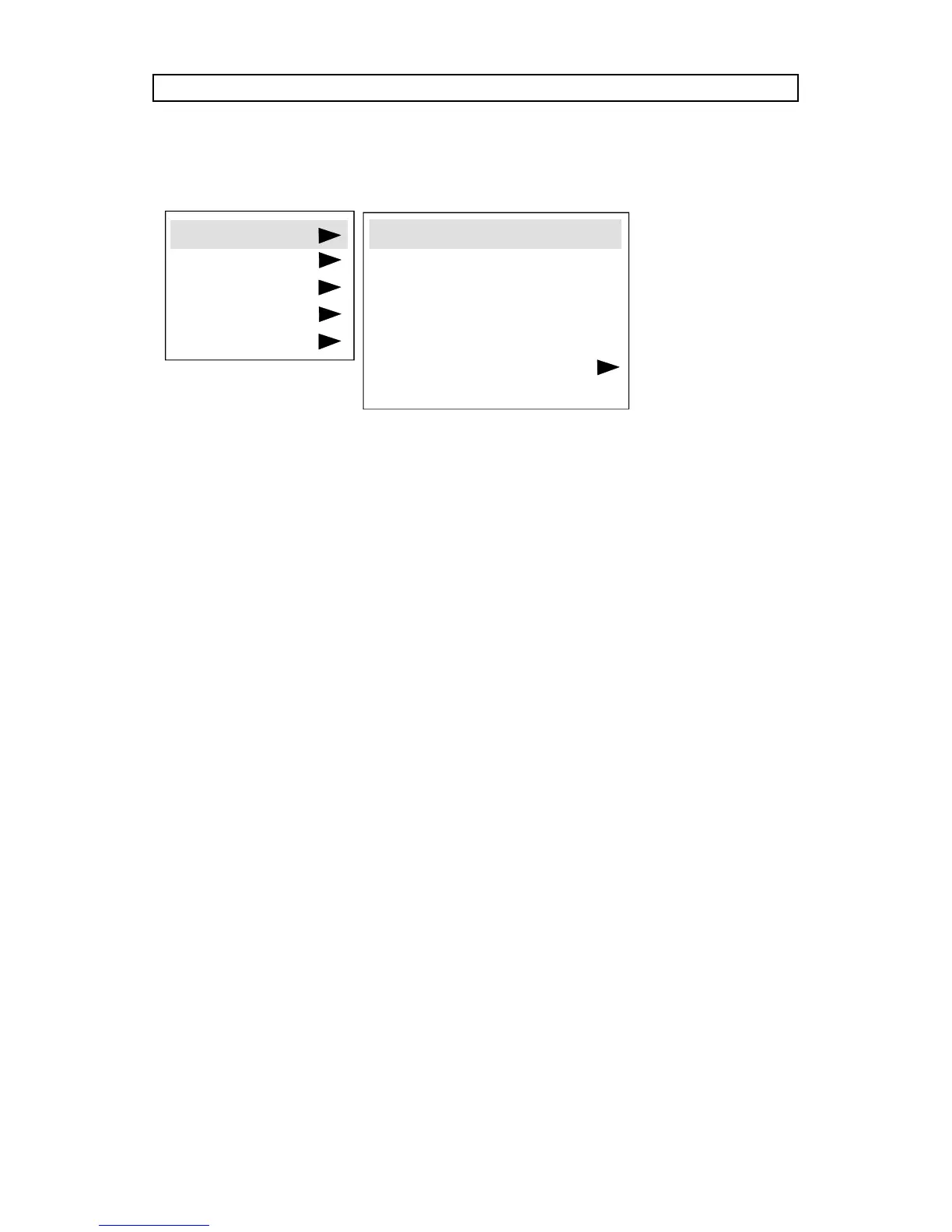
8.3.1 THE SET-UP MENU SELECTIONS
TUNE is used to stabilize the image. An untuned image can be seen as
sideways instability or “swimming”.
FREQUENCY is provided to adjust image width. Generally, an incorrect
frequency setting can be observed as an image too wide or too narrow,
combined with vertical, unstable bands.
POSITION. Due to minor variations in graphic cards, the horizontal and
vertical position may need adjustment. Select POSITION, then press LEFT
and use the cursor keys or trackball.
REAR inverts the image for use in rear projection arrangements i.e.
projection from the back of a screen.
CEILING switches between an upright and an upside-down projection by
flipping the image vertically.
COLOR TEMP. (Color Temperature) adjusts the red and blue color
components.
FACTORY RESET. This function resumes factory settings of all parameters.
SETUP
PICTURE
SOUND
OPTIONS
HELP
TUNE
FREQUENCY
POSITION
REAR
CEILING
COLOR TEMP.
FACTORY RESET



 To Next Page