USER GUIDE XGA LCD PROJECTOR
28
TRACKBALL SENSITIVITY. Controls the response of the remote control
trackball in the menu system. (It does not affect the response of the
computer mouse. Please adjust mouse sensitivity on the computer). FAST,
MEDIUM and SLOW are available options.
LANGUAGE. A selection of languages is available for the menu options,
including English, German, French, Italian, Spanish, Norwegian, Japanese,
Korean and Chinese. Other languages may apply.
POINTER selects the pointer appearance. Options include BALL, ARROW
and CROSS. Other shapes may apply.
MASK selects whether the mask is applied downwards or upwards.
SPLIT SCREEN selects between ordinary full screen and split screen, which
is used to project a large image with four projectors. Options include UPPER
LEFT, LOWER LEFT, UPPER RIGHT and LOWER RIGHT.
SERVICE is used to reset the lamp timer.
8.3.4 THE HELP SELECTIONS
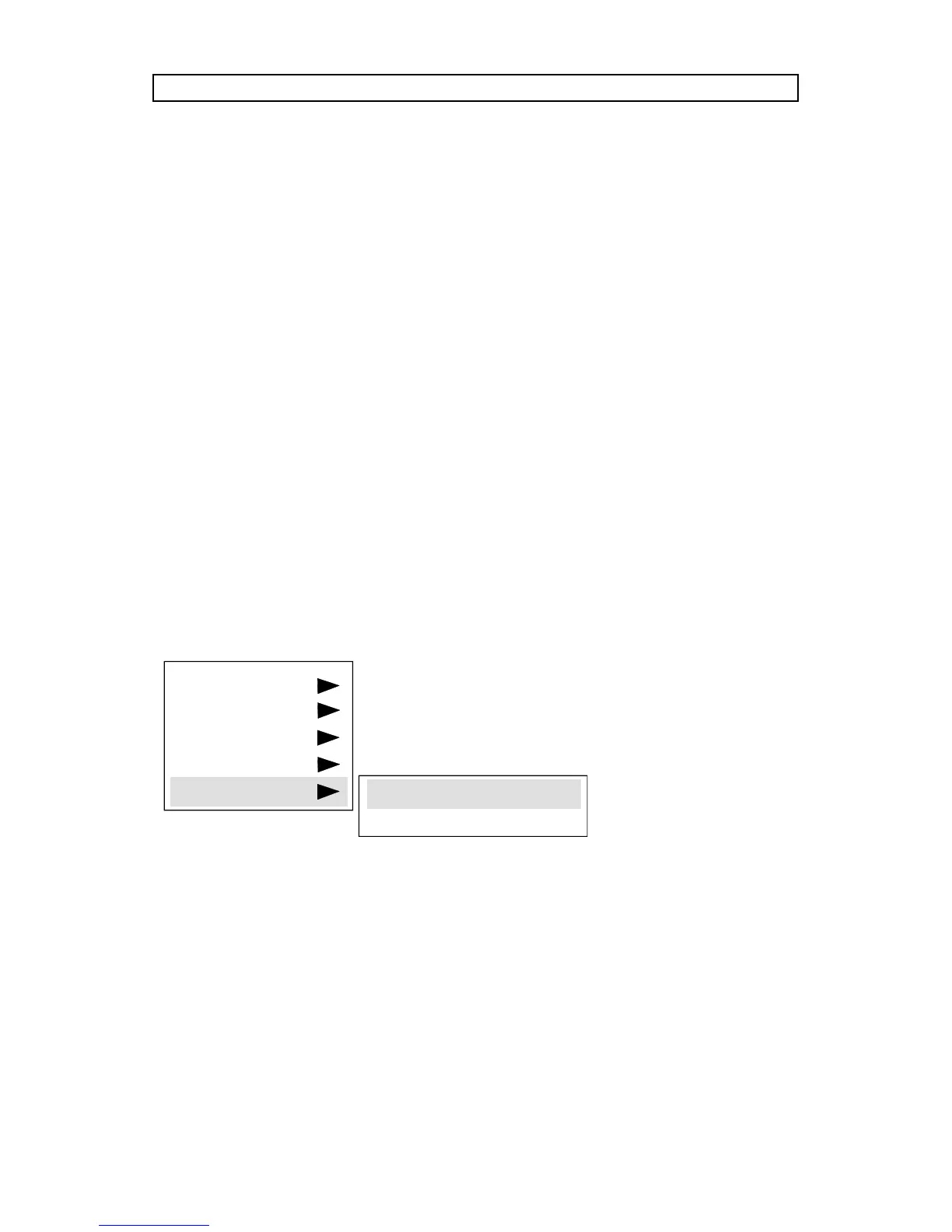
SOURCE INFO provides a status list of parameters relating to the source
selected.
ABOUT provides system information about the projector.
SETUP
PICTURE
SOUND
OPTIONS
HELP
SOURCE INFO
ABOUT



 To Next Page