USER GUIDE XGA LCD PROJECTOR
21
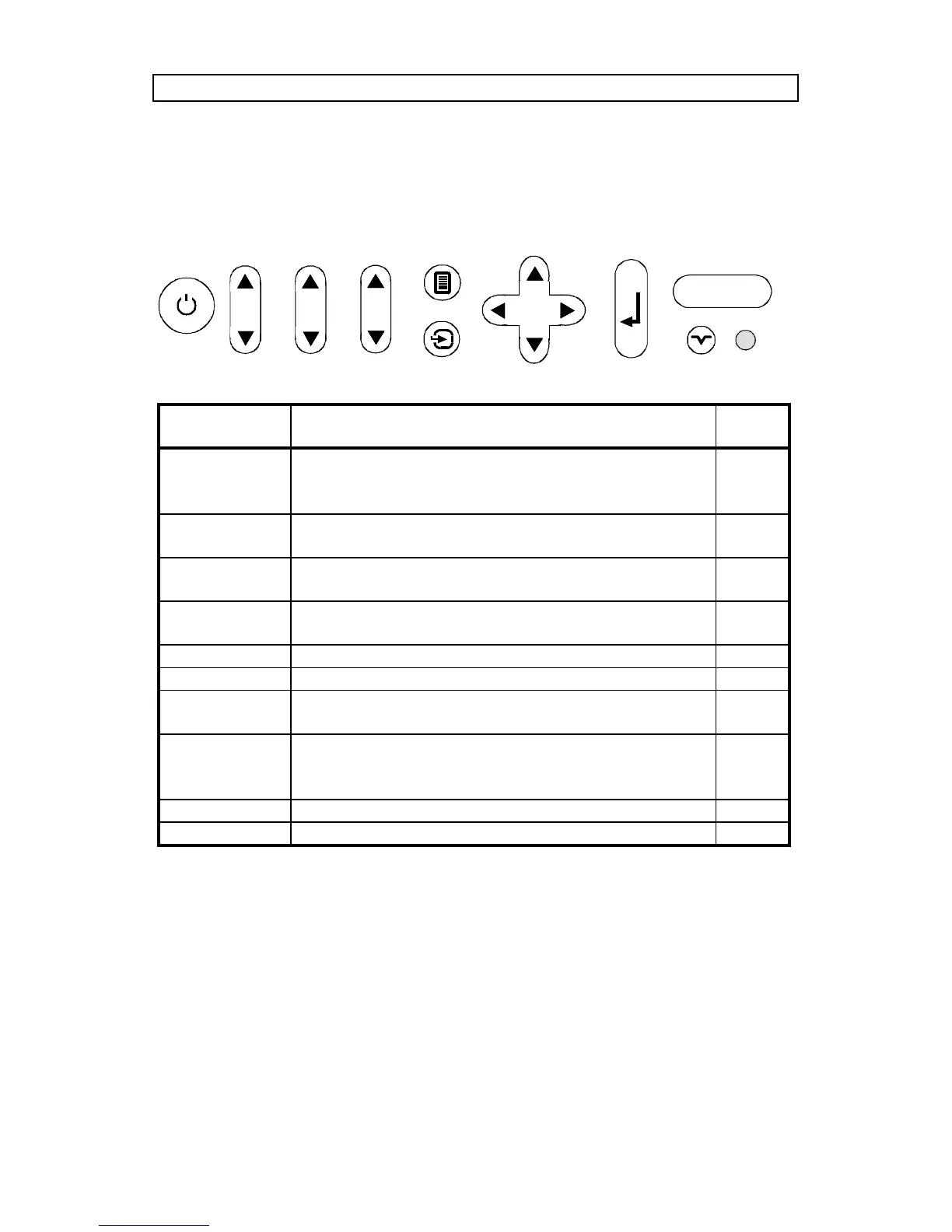
8.2 PROJECTOR KEYBOARD
The keypad on the projector gives access to all controls, either directly or
through the menu system.
KEYBOARD
KEYS
FUNCTION MEM
POWER Turns the projector on or into standby mode.
Switches the projection lamp off, but leaves
power on to the rest of the projector.
-
CONTRAST Contrast is the ratio between light and dark
colors.
Yes
BRIGHT Brightness (whiteness) of the image can be
altered to suit local lighting conditions.
Yes
VOLUME Volume of the audio output can be altered to
suit local conditions.
Yes
MENU Invokes the menu system. -
SOURCE Toggles between source 1 & 2 -
CURSOR
KEYS
The cursor keys are used to navigate in the
menu system
-
ENTER Emulates the left mouse key.
Once the menu is accessed selection are
confirmed using ENTER.
-
HELP Enters help-section in menu -
RESET Automatically adjusts the image correctly -
ALARM
CONTRAST
BRIGHT
VOLUME
MENU
POWER
ENTER
SOURCE
?
HELP
RESET



 To Next Page