USER GUIDE XGA LCD PROJECTOR
32
SYMPTOM SOLUTION
The whole
image appears
to be unstable
or misplaced
• Adjust the frequency and tuning settings
(instability), or the image position settings
(misalignment).
• Check that you are using a source with
compatible resolution.
• The projector may be connected to a source with
a non-standard computer (or video card). Adjust
the frequency and position of the image.
Cooling fan is
not working
• If the fan does not work the projector must not be
used and should be returned to your dealer for
repair.
The remote
control is not
working
• The red LED on the remote control should flash
when transmitting. If not, check batteries.
• Make sure you point the remote control at the
projection screen or directly at the IR receivers.
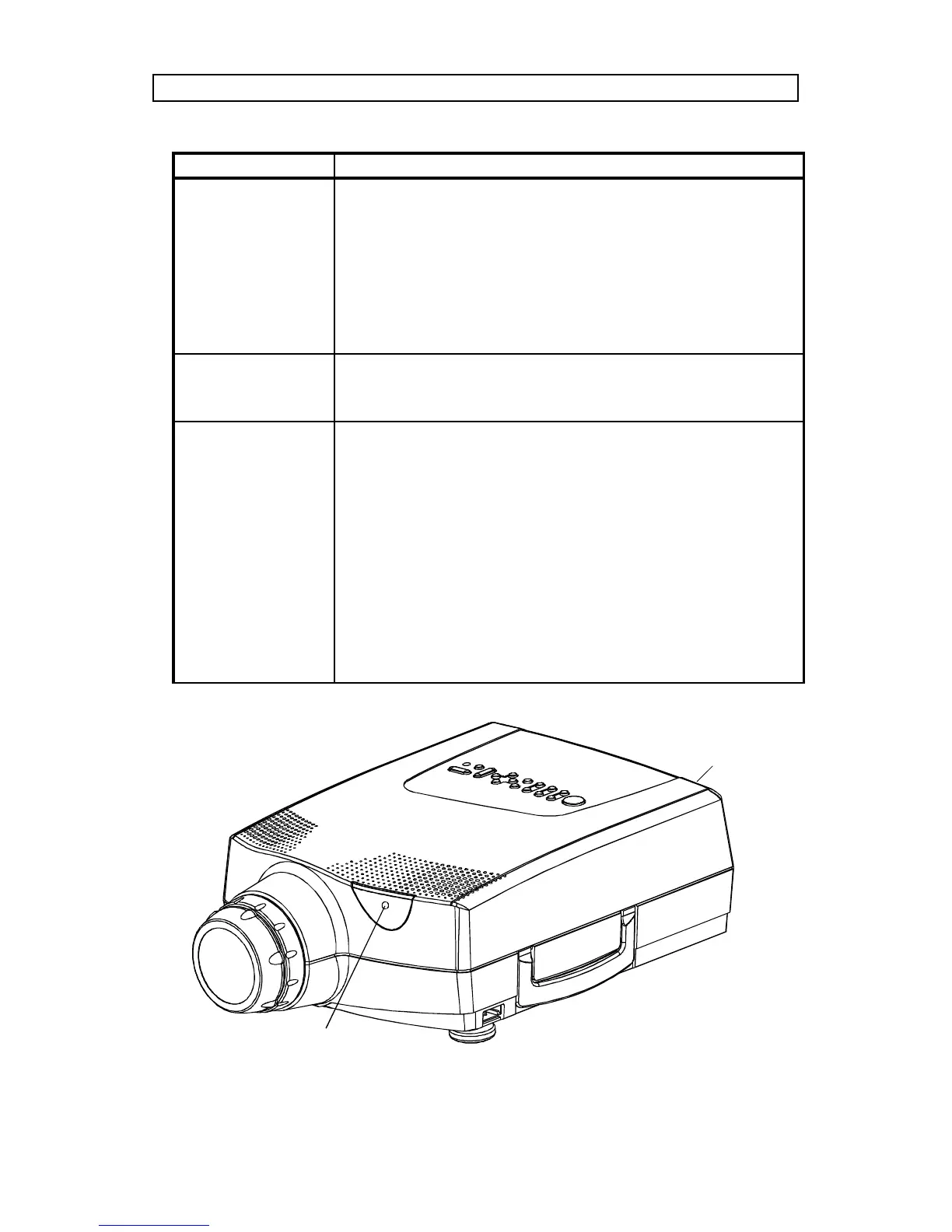
The front red LED indicator flashes when
receiving signals from the remote (see illustration
below).
• The maximum range of the IR transmitters is 15m
(50 feet) - Are you standing close enough?
• If the effective range of the transmitters is
significantly reduced, the remote control needs
new batteries.
Front IR-receiver
with red red LED indicator
Rear IR-receiver



 To Next Page