USER GUIDE XGA LCD PROJECTOR
35
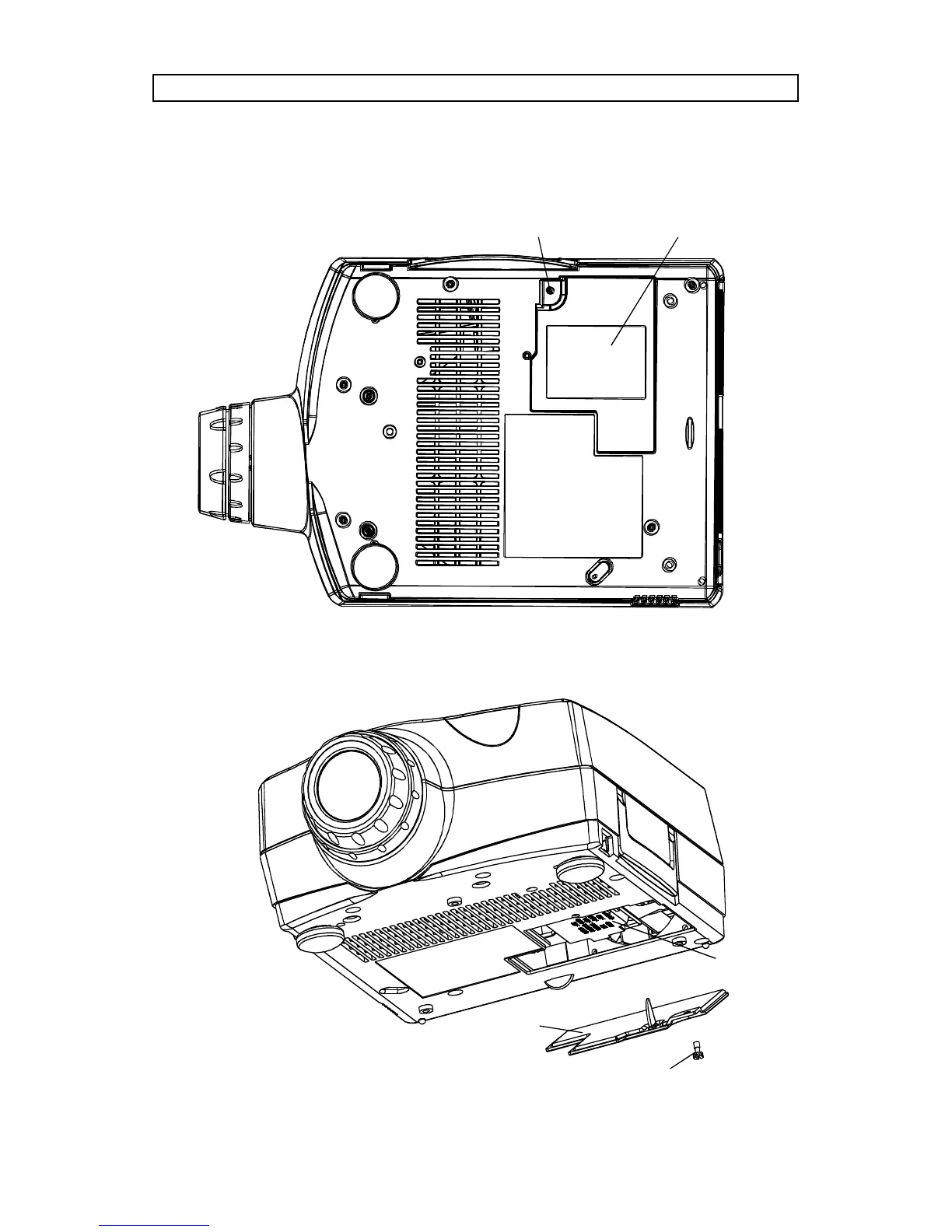
To change lamp, unscrew the lamp lid. A safety switch will cut off the power
supply to the lamp completely. Unscrew the lamp holder, fold out the handle
and pull out the old lamp holder. Insert a new lamp.
Projector seen from below
Projector lamp assembly
Lamp lid
Lamp
assembly
Screw



 To Next Page