2
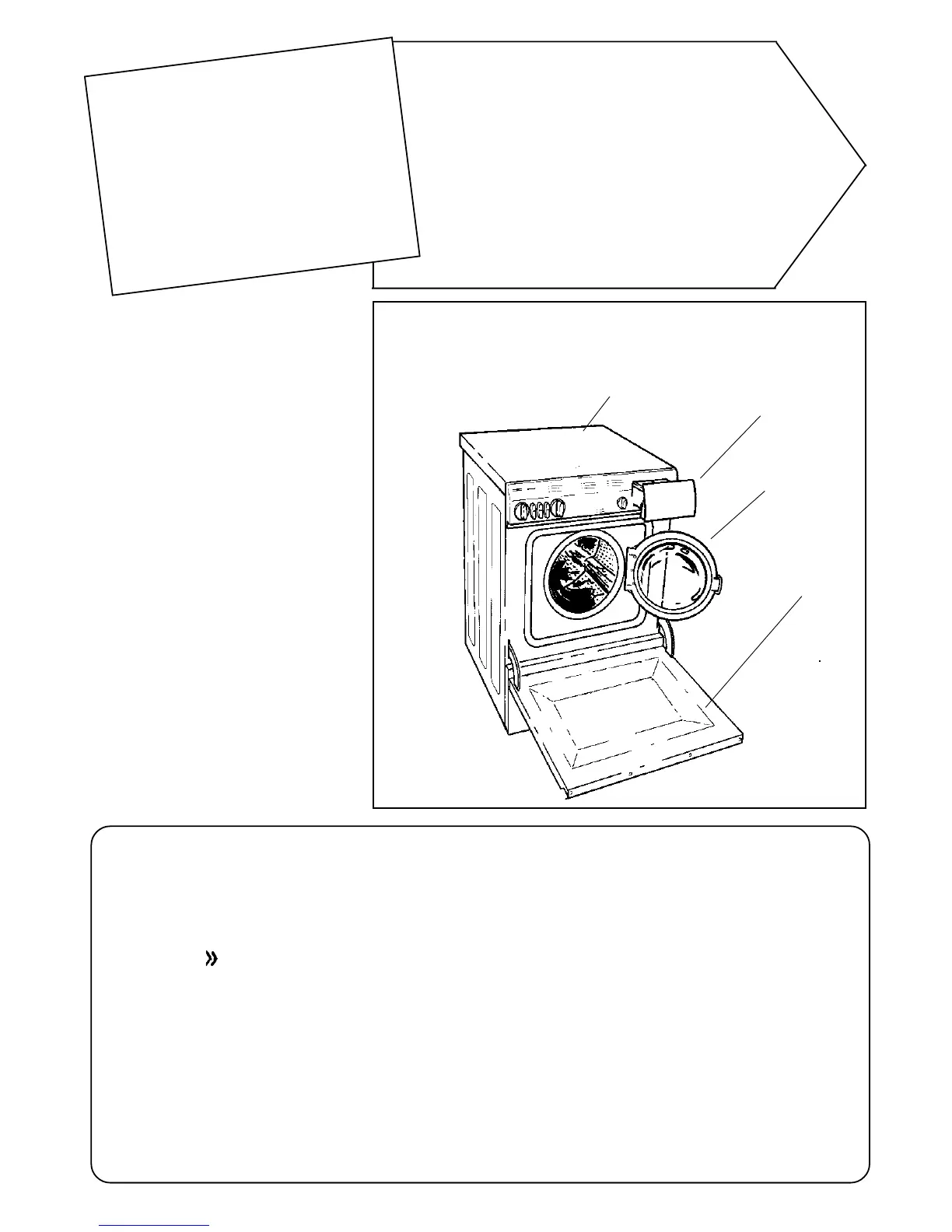
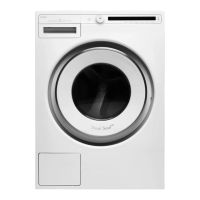
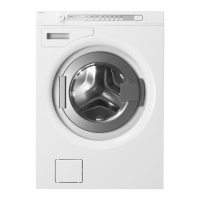
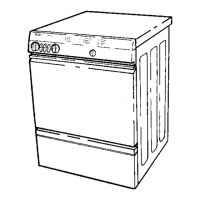
The parts of the machine
Top panel
Contents:
How to use the machine 2
The part of the machine 2
The control panel 3
Opening the door 3
Sorting the washing 4
Detergent 5
Which program should I use? 6
Program examples 6–7
Care of the machine 8
Safety 9
If the machine won't work 9
Technical details 10
Installation 10–11
Removing the transport braces
Adjusting the feet
Building in the machine
Electrical installation
Water supply
Draining connection
Service and guarantee 11
Instructions summary 12
How to use the machine
Choosing the right program
Environment facts
Detergent and fabric
conditioner compartment
How to use
the machine
Follow the steps in the strip along the top
of each page for a brief summary of the
instructions.
Further details and comments can be found
on the page below the strip.
Economy button
Pressing the Economy button
extends the main wash by 22
minutes. This allows you to
reduce the temperature and yet
obtain as good a result as if you
had used a higher temperature
for the shorter period. The
Economy button + lower washing
temperature reduces pollution.
Outer door
(depending
on model)
Door
Detergent
Using more detergent does not improve the washing performance, but
merely imposes an extra load on the environment.
Try reducing the amount of detergent you use, and increase it only if
the results are unsatisfactory.
Choose the right program
You can save considerable energy by not using ’stronger’ programs
than necessary.
• Press the -button to save water.
• Press the Economy button and reduce the temperature to save
energy.
• Use the higher spin speed, to remove the maximum amount of
water, so reducing the energy required in subsequent tumble drying.
Before using the machine
for the first time
Read right through these instructions.
Don’t forget to remove the transit
packing (see page 10).
The door is opened electrically, and
cannot therefore be opened in the normal
way until the machine is connected to
the electricity supply.
The machine must not be used for dry-
cleaning or similar applications.


 To Next Page