15
DELAYED START (1-24 HOURS)
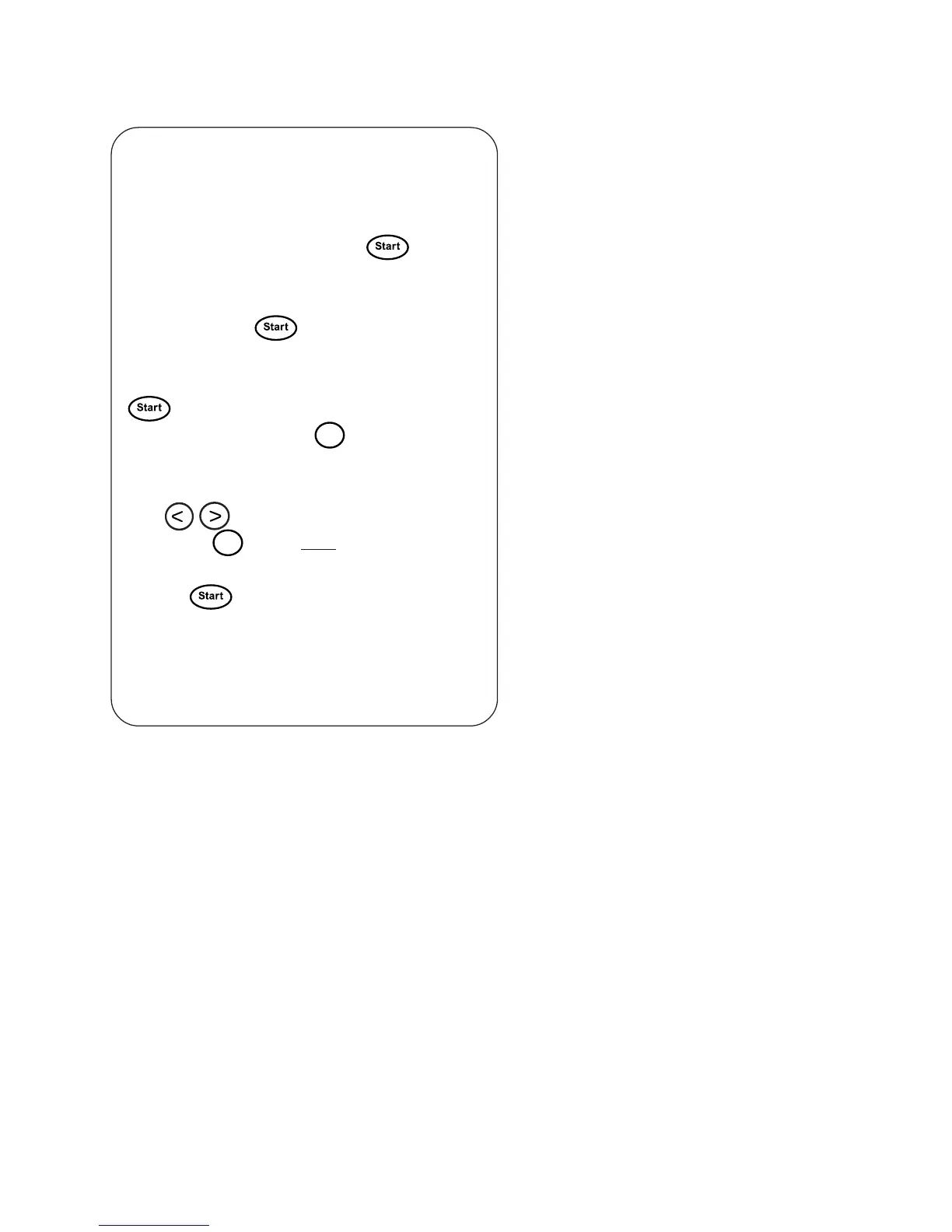
If Delayed start is set to 5 hours, for example,
this means that the machine will start the pro-
gram 5 hours after you press the
button.
If you wish to delay the start of any program
temporarily, you should proceed as follows be-
fore pressing the
button:
1. Select the program, but do not press the
button.
2. Index forward with the
Menu
button until De-
layed start appears in the display.
3. Index forward to the desired number of hours
with
.
4. Press the
Enter
button once. The selected pro-
gram appears in the display.
5. Press to start the program.
Delayed start is disconnected automatically
at the end of the program.



 To Next Page