27
ning. If condensation water is pumped out di-
rect to the drain, check to ensure there are no
kinks or stoppage in the hose. If this does not
help, phone for service.
Sensor fault. Fault in the moisture sensor. This
error message can also appear if you should start
the dryer when it contains dry items or when it
is empty. To cancel the message, simply open
the dryer door. If this does not work, phone for
service.
Thermistor fault. Phone for service.
WRONG LANGUAGE ON THE DISPLAY
If the language on the display becomes altered
for any reason, it can be restored to the initial
language again.
The available languages are Dansk, Deutsch,
English, Espanol, Français, Italiano, Nederlands,
Norsk, Portugués, Suomi and Svenska.
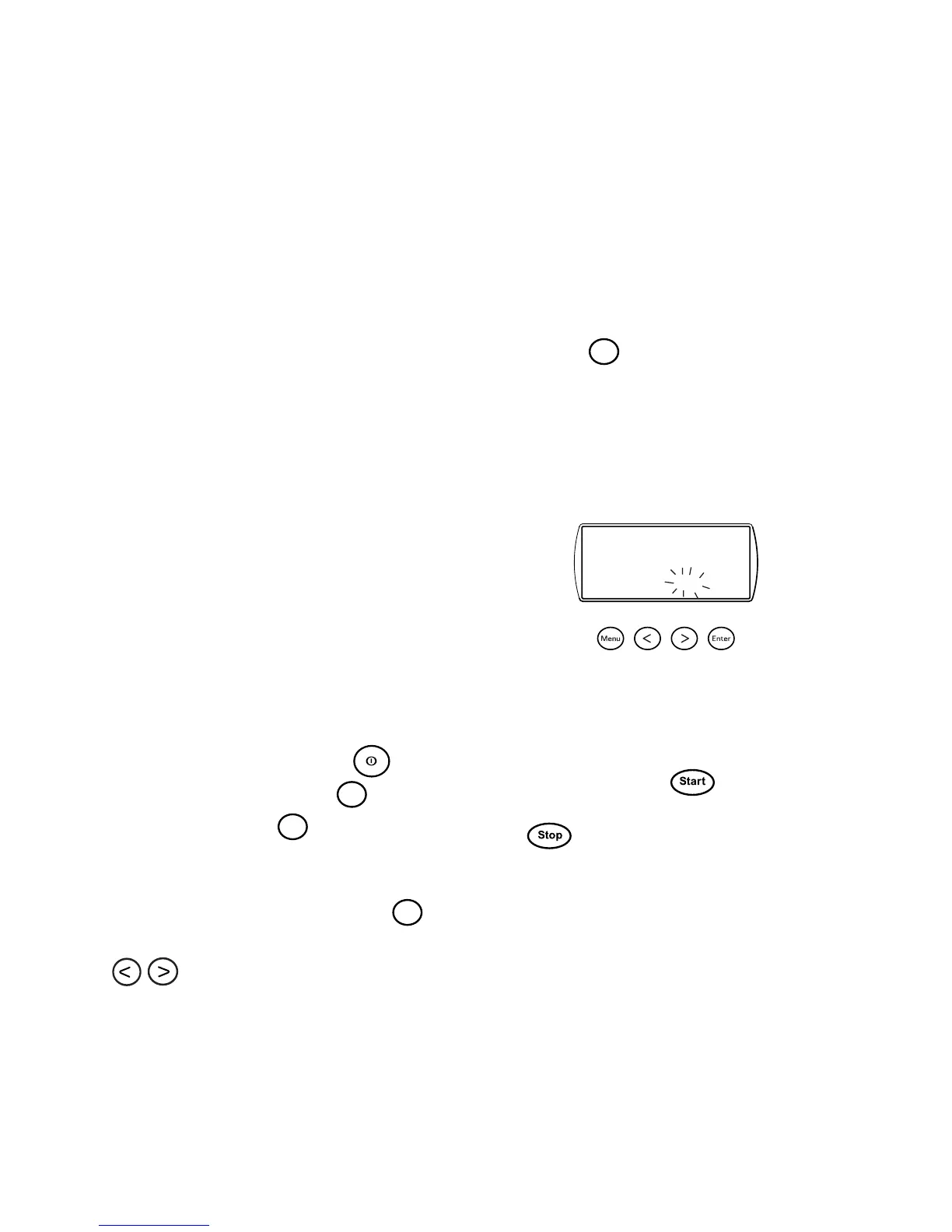
Proceed as follows to change the language:
Turn the main power switch,
, of and
then turn it on again. Press the
Enter
button five
times, then press the
P1
button five times.
These ten times must be completed within fif-
teen seconds.
Within three seconds after pressing
P1
the
last time, step to the desired language using the
buttons.
RESET PROGRAM
If you wish to revert to the settings which a pre-
set program had at the time when the dryer was
supplied, you can reset the program. Proceed as
follows:
1. Hold down the program button for the pro-
gram that you wish to reset.
2. Press the
Enter
button once.
3. Release the program button.
The program for the button is now reset to
its settings when the dryer was supplied.
STOP FLASHES IN THE DISPLAY
The program has stopped temporarily because
the door has been opened, the main power
switch has been turned off or the power supply
has been interrupted.
To restart: Press the
button.
To interrupt the program completely: Press
the
button for three seconds.
Start Stop



 To Next Page