30
15 QUICK GUIDE
1. Sort the fabrics.
2. Turn on the main switch .
3. Open the door, load the fabrics and close the
door again.
Close the door carefully, and avoid slamming it.
4. Select a program.
The dryer has four pre-set programs; see the
table. Press the button for the desired program.
5. Press the button.
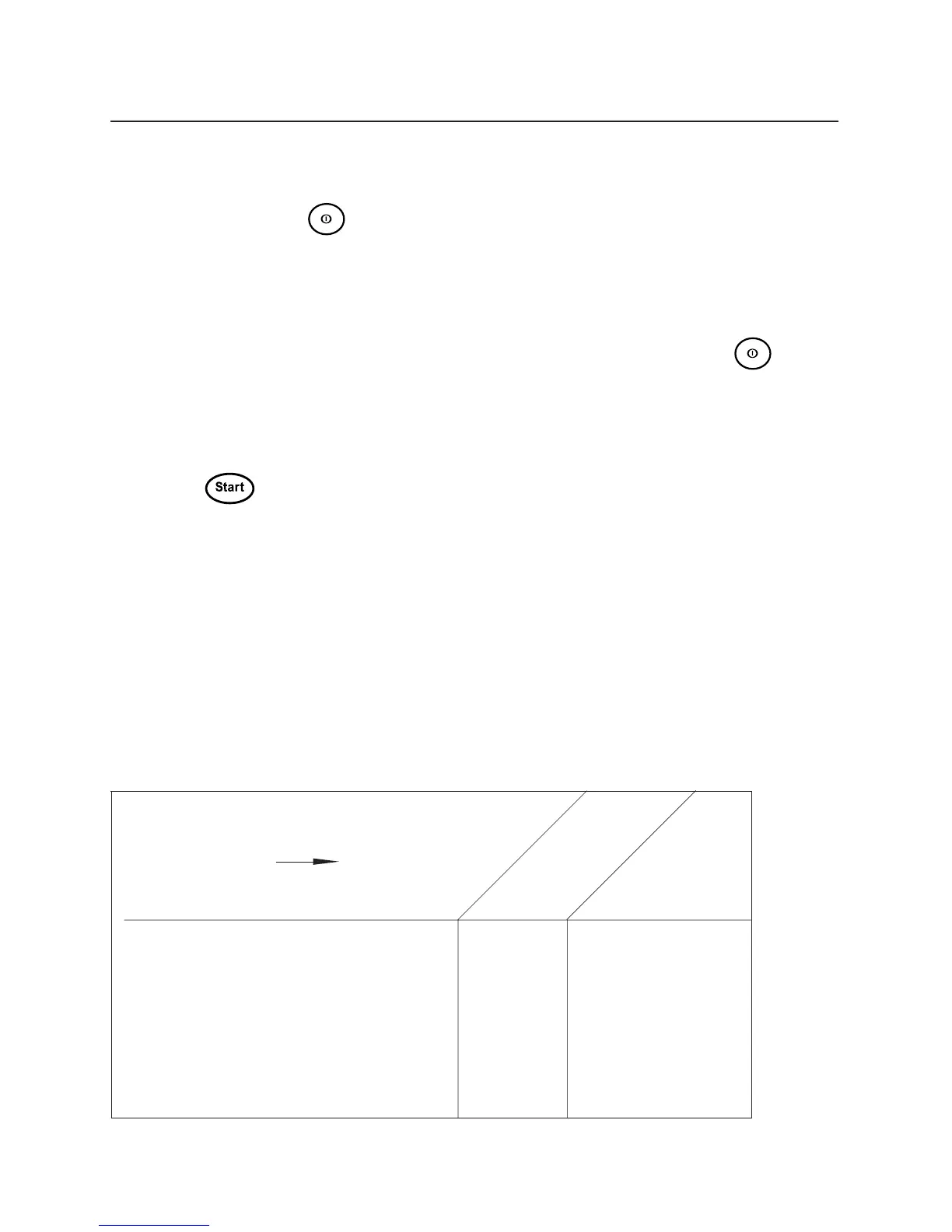
Acrylics, rayon, aceta-
Load (kg) 5.0 2.5 2.5
SET THE:
Program P1 to P4 P2 or P3 P2 or P3
Extra dry, Dry Dry or Normal Dry or Normal
Normal dry, Iron dry dry dry
Temperature Normal Normal Low
WASHING
tes, (temperature sen-
Polyester/cotton
Cootton, linen etc
sitive materials)
6. Drying program completed.
Open the door and take out the tumble-dried
fabrics. The lint filter must be cleaned and the
condensation water tank must be emptied after
each tumble drying operation.
7. When tumble drying is completed.
Turn off the main power switch .
For details of how to use the Timed dry and Air
fluff programs, see Chapter 10, Making your own
drying programs.



 To Next Page