6
GENERAL
Young children should be supervised to ensure
that they do not play with the appliance.
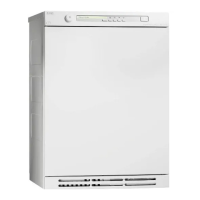
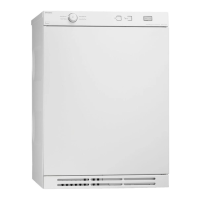
The tumble dryer is fitted with a magnetic
catch, which allows the door to be pushed ope-
ned from the inside. The door is equipped with a
switch, which automatically stops the tumble
dryer when the door is opened. The machine
will not start automatically on closing the door
(eg, if a child should close the door from the
inside). You must push
to re-activate the
dryer.
CHILD LOCK ON AND
Menu
BUTTONS
By locking the and
Menu
buttons, you can
prevent that for example a child starts the mach-
ine or changes the settings by mistake.
Child lock On/Off
Turn the main power switch, , off and then
turn it on again.
Press the
Enter
button five times, then press
the
P3
button five times. These ten times must
be completed within fifteen seconds.
Within three seconds after the last press on
the
P3
button, use the buttons to
choose Child lock ON (the figure 3 will appear
at the bottom right in the display) or OFF (the
figure 0 will appear at the bottom right in the
display).
3 CHILDREN’S SAFETY
To start a program with locked button.
Press the button for three seconds and
the machine will start.
To change program settings with Child locked
Menu
button.
Press the
Menu
button for three seconds, after
that the
Menu
button works normally again. If
you do not press any button within two minu-
tes, the
Menu
button will be locked again.



 To Next Page