17
10 MAKING OWN DRYING PROGRAMS
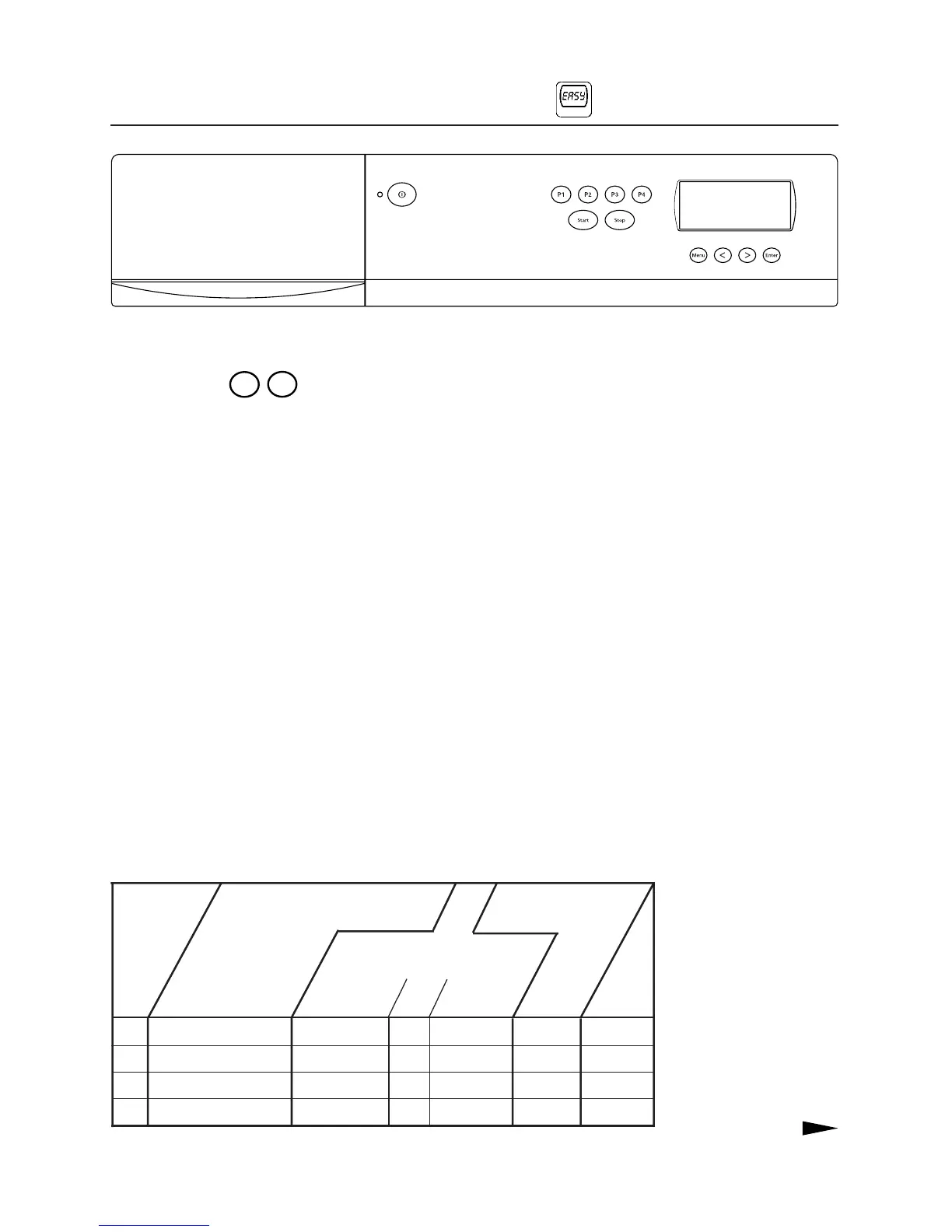
SETTINGS OF THE FOUR PRE-SET PROGRAMS.
P1 EXTRA DRY NORMAL ON ON, 1 h NORMAL 0 h
P2 DRY NORMAL ON ON, 1 h NORMAL 0 h
P3 NORMAL DRY NORMAL ON ON, 1 h NORMAL 0 h
P4 IRON DRY NORMAL ON ON, 1 h NORMAL 0 h
OPTIONS
PROGRAM
TEMPERATURE
DELAYED START
Cooling
PROGRAM BUTTON
Buzzer
Anti-rease
program
We have preset
P1
-
P4
with the most com-
mon drying programs; see the table below. The-
se programs usually suit most users.
You can also create your own programs to
suit you and your washing needs even better.
You can select a different type of program,
for example a Timed dry program and an Air
fluff program, or you can alter settings and op-
tions such as Buzzer, Temperature, Non-iron,
Cooling or Delayed start.
This Chapter includes tables containing in-
formation about all program types, settings and
options.
Change program
In this Chapter we tell you how to replace one
or other of the pre-set programs with a program
of your own.
By storing the program, it will then be acces-
sible simply by pressing a button every time you
wish to use the tumble dryer.
Temporary program
You can also make a temporary change of pro-
grams, settings and options. The change is not
stored in this case, but is deleted as soon as the
program is completed and the door is opened.



 To Next Page