19
x
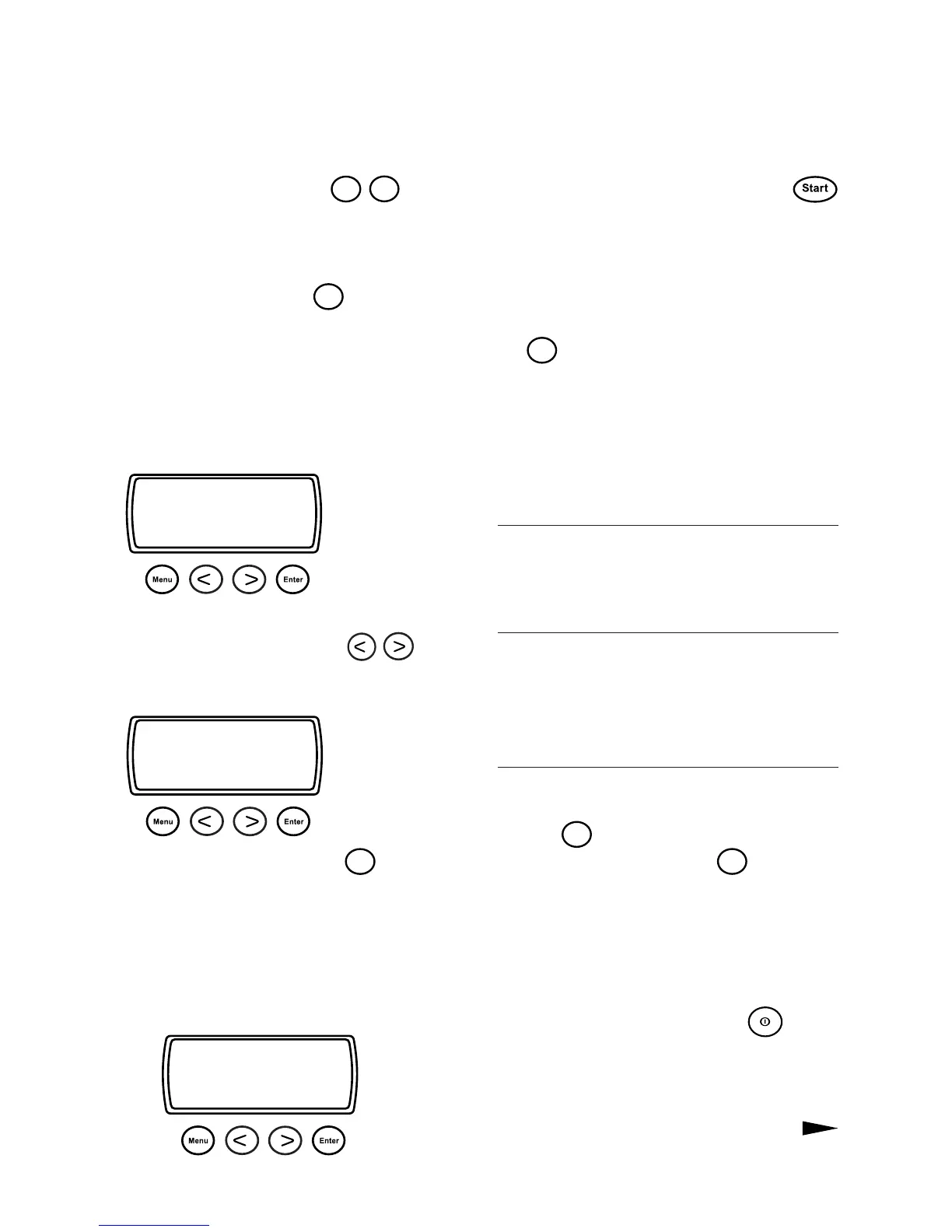
Select
Program
Timed dry progr.
< Next >
x
Select
Program
Extra dry
< Next >
CREATE YOUR OWN DRYING PROGRAM
1. Press one of the buttons
P1
-
P4
under
which you wish to store your program. You can
select any button you like if you only want to
make a temporary program.
2. Index forward with the
Menu
button to the
first setting or option that you wish to change.
If the child lock is activated, nothing will hap-
pen. Hold down the button for 3 seconds, and
then press as usual.
All the program types, settings and options are
described in the table alongside.
3. If you wish to change a setting, you should
index forward or back with the
but-
tons until the desired setting appears in the dis-
play.
4. Then index further with the
Menu
button to
the next setting/option, and change it in the
same way if required.
5. Index further and make changes in the same
way until the finished program appears in the
display together with any options. The text Stop
will be displayed on the bottom line.
You can now use the program without sto-
ring it (temporary program). Press the
button to start the program.
Store the program
If you wish to store the program for use whene-
ver you intend to use the tumble dryer, press
the
Enter
button before starting. The button se-
lected by you originally (P1-P4) will appear at
the bottom left of the display.
You can now select the program by pressing
the button chosen by you in Step 1.
NOTE
The Delayed start option is not stored perma-
nently.
IMPORTANT
If you store a program by mistake, you can reset
it to its settings at the time of delivery; see Re-
set program later in this Chapter.
TIP
If you do not wish to index through all the
settings, you can terminate the input by pres-
sing the
Enter
button ONCE. To store the pro-
gram, you must then press the
Enter
button once
more.
INTERRUPT INPUT
If you change your mind and wish to interrupt
the input sequence, you should switch off the
dryer with the main power switch
. When
you switch it on again, you can start from the
beginning or select one of the pre-set programs
as usual.
x
Timed dry progr Time
Normal cooling 60
Temperature low
Stop



 To Next Page