40
SERVICE
2
3
F1
F2
F3
F4
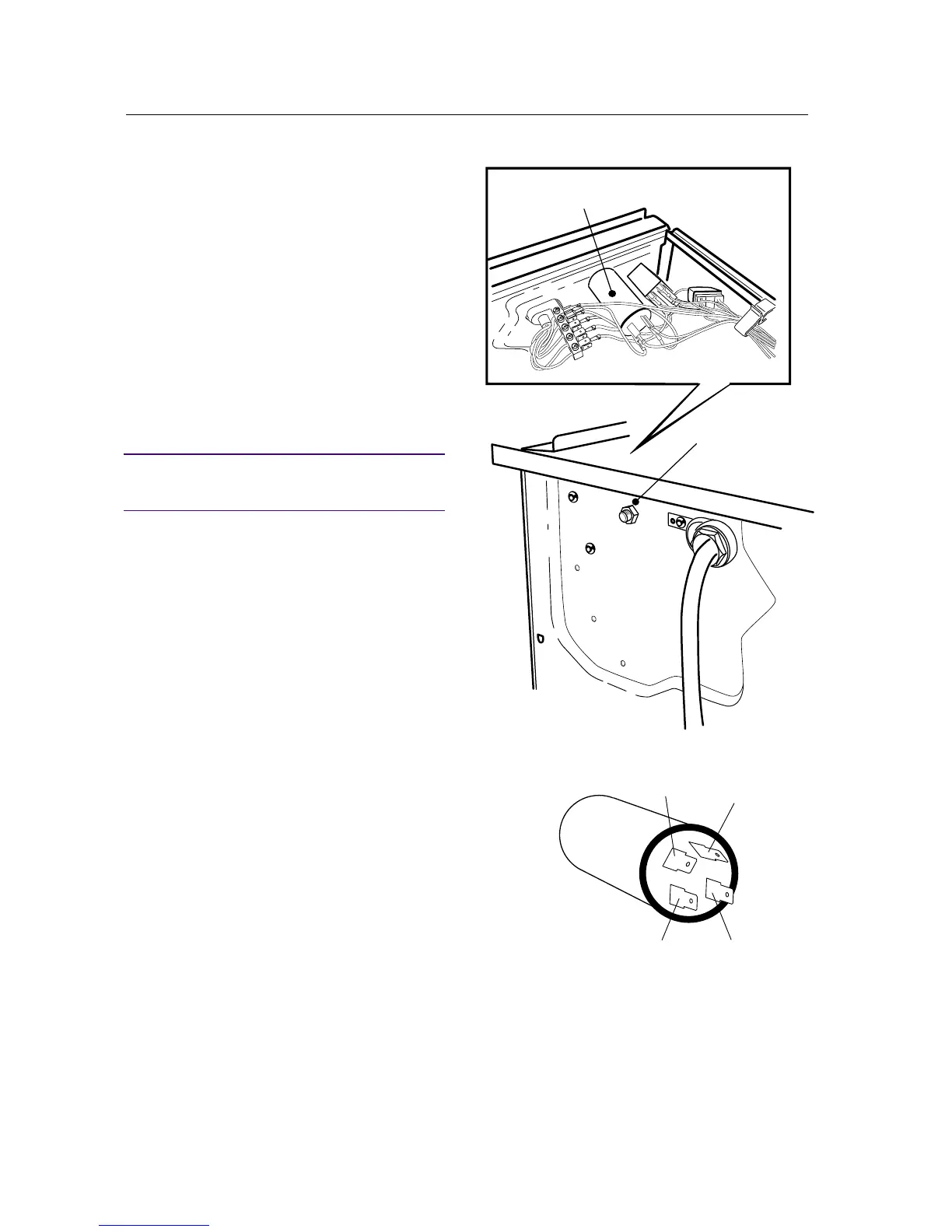
RADIO INTERFERENCE FILTER
Removing the radio interference filter
1. Remove the three screws at the rear edge and
lift off the top cover.
2. Disconnect the wiring from the radio interfe-
rence filter.
3. Unscrew the nut securing the filter.
Installing the radio interference filter
4. Fit the radio interference filter.
5. Install the wiring in accordance with the la-
bels on the wires and filter.
IMPORTANT
Connect the wires to the correct flat pin connec-
tors.
6. Fit the top cover.


 To Next Page