61
SERVICE
2
2
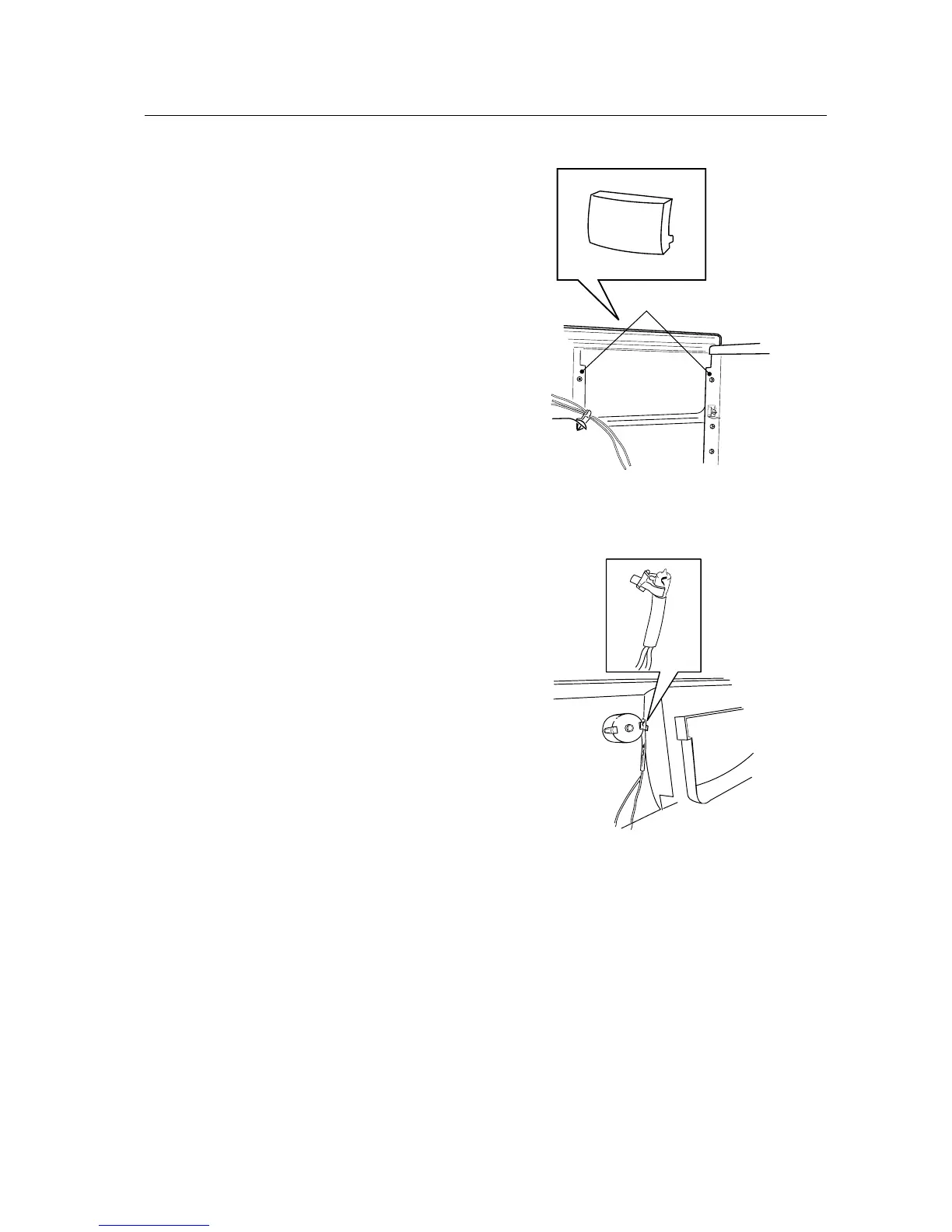
Changing the panel handle
1. Remove the three screws at the rear edge and
lift off the top cover.
2. TDC33: Unscrew the 2 screws securing the
front rail.
3. Pull the handle off.
4. Fit the handle.
5. Fit the top cover.
Changing the indication lamp/symbol lens
1. Remove the panel in accordance with the sec-
tion "Panel - removing...".
2. Change the indication lamp/symbol lens.
3. Install the panel in accordance with the sec-
tion "Panel - installation...".


 To Next Page