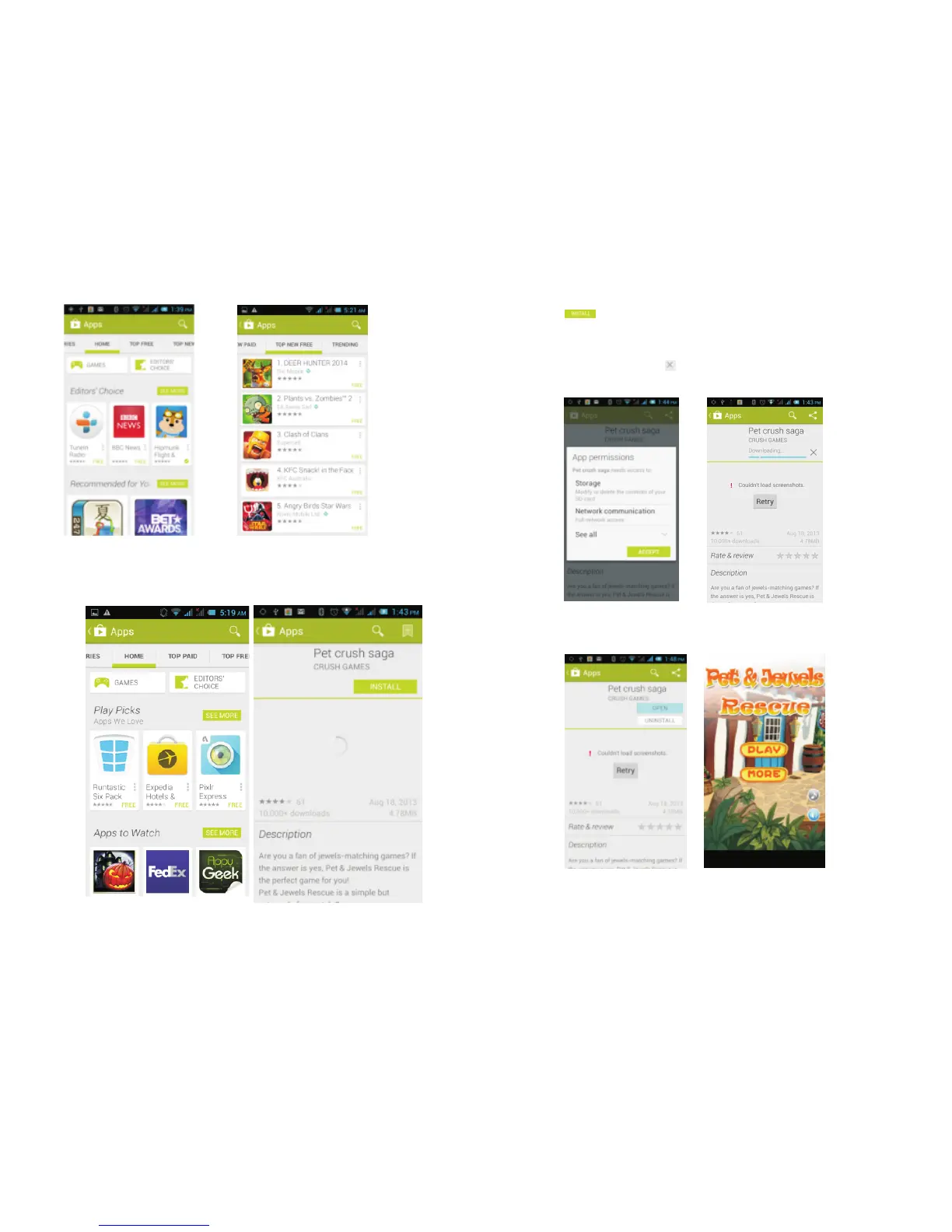
In the Play Store screen, click the icon of your
chosen application, and you will enter the installation
interface:
Click to install the selected application, in the
popup choose to accept, the phone automatically
starts to download the software, if you want to cancel
the download, click next to the download progress
bar.
After the download is complete, click Open, and you
can start to use your newly downloaded application:
In the Play Store homepage, click the menu key to
...
33 34



 To Next Page