58
English
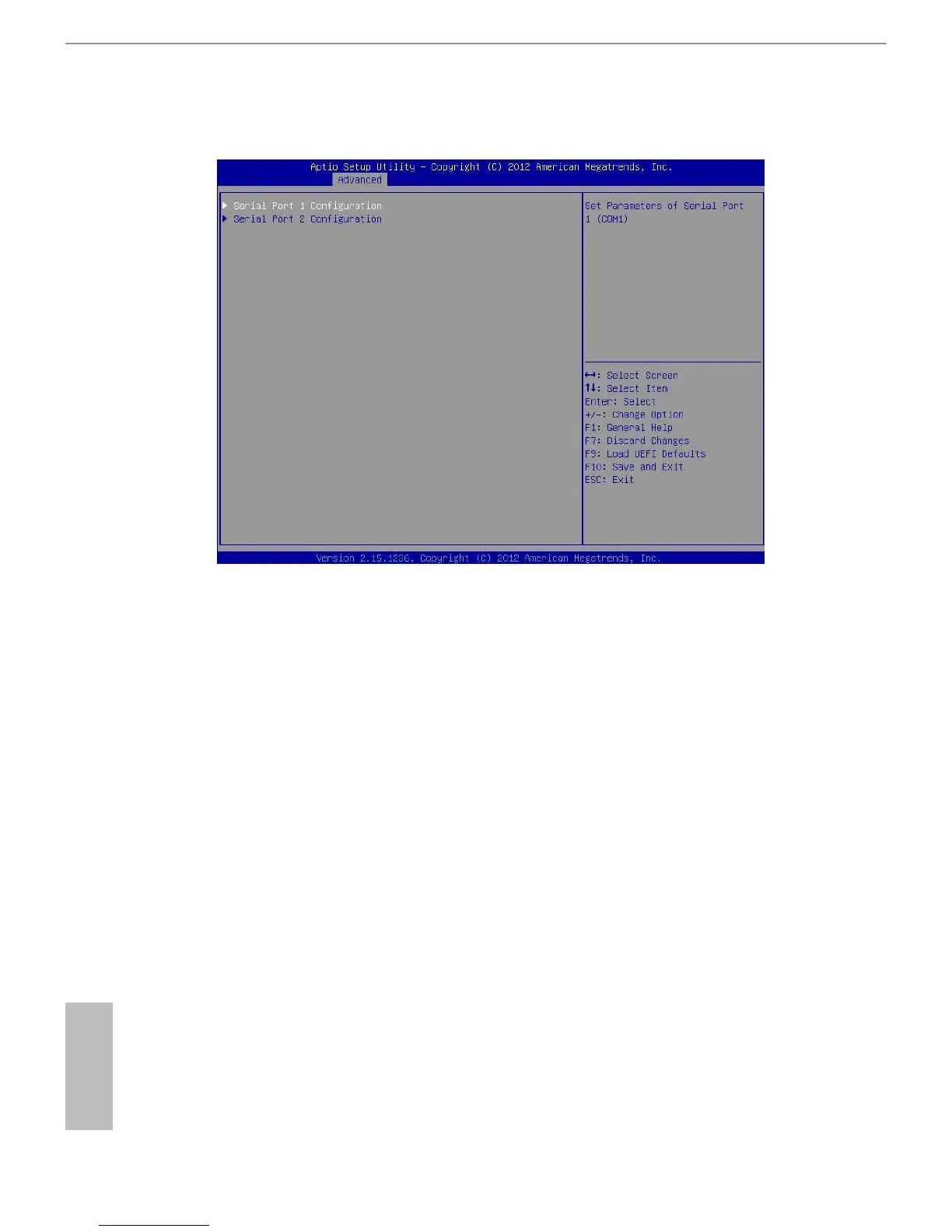
3.4.12 Super IO Conguration
Serial Port 1 Conguration
Use this item to congure the onboard serial port 1.
Select and enter the "Serial Port 1 Conguration" and you will see the followings:
Serial Port
Use this item to enable or disable the onboard serial port.
Change Settings
Use this item to select an optimal setting for Super IO device.
Serial Port 2 Conguration
Use this item to congure the onboard serial port 2.
Select and enter the "Serial Port 2 Conguration" and you will see the followings:
Serial Port
Use this item to enable or disable the onboard serial port.
Serial Port Mode
Use this item to select Serial Over LAN or COM mode.
Change Settings
Use this item to select an optimal setting for Super IO device.







 To Next Page