49
The following procedure serves as an example of how you can use the key
switch to set and save the pre-alarm time at twenty seconds.
Starting configuration mode
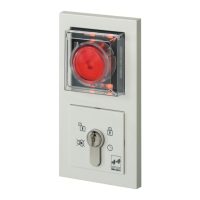
Open the protective cover on the escape door module and leave open.
Turn the key to the left.
Turn the key to the left and hold for five seconds.
Changing to the 'Pre-alarm time' menu.
Turn to the left four times using the key.
You are now in the 'Pre-alarm time' configuration menu. This is dis-
played by the left-hand yellow LED lighting up.
Configuring pre-alarm time
Now turn the key to the right and hold it there for the required alarm
time (twenty seconds).
The green LEDs flash alternately in a clockwise direction with each
cycle representing one second.
The change you have made will be saved as soon as you let go of the
key.
Leaving the configuration menu
Turn the key to the left until the four yellow LEDs flash.
Turn the key to the right.
The 4 green LEDs flash alternately in pairs in a diagonal sequence and
the lower yellow LED lights up.
Close the protective cover again.
The device has been configured and is ready to operate.
Example
configuration



 To Next Page
 Loading...