ASSA ABLOY motor locks installation guide
12
Connection
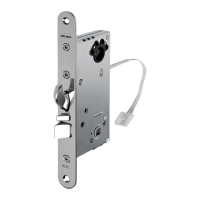
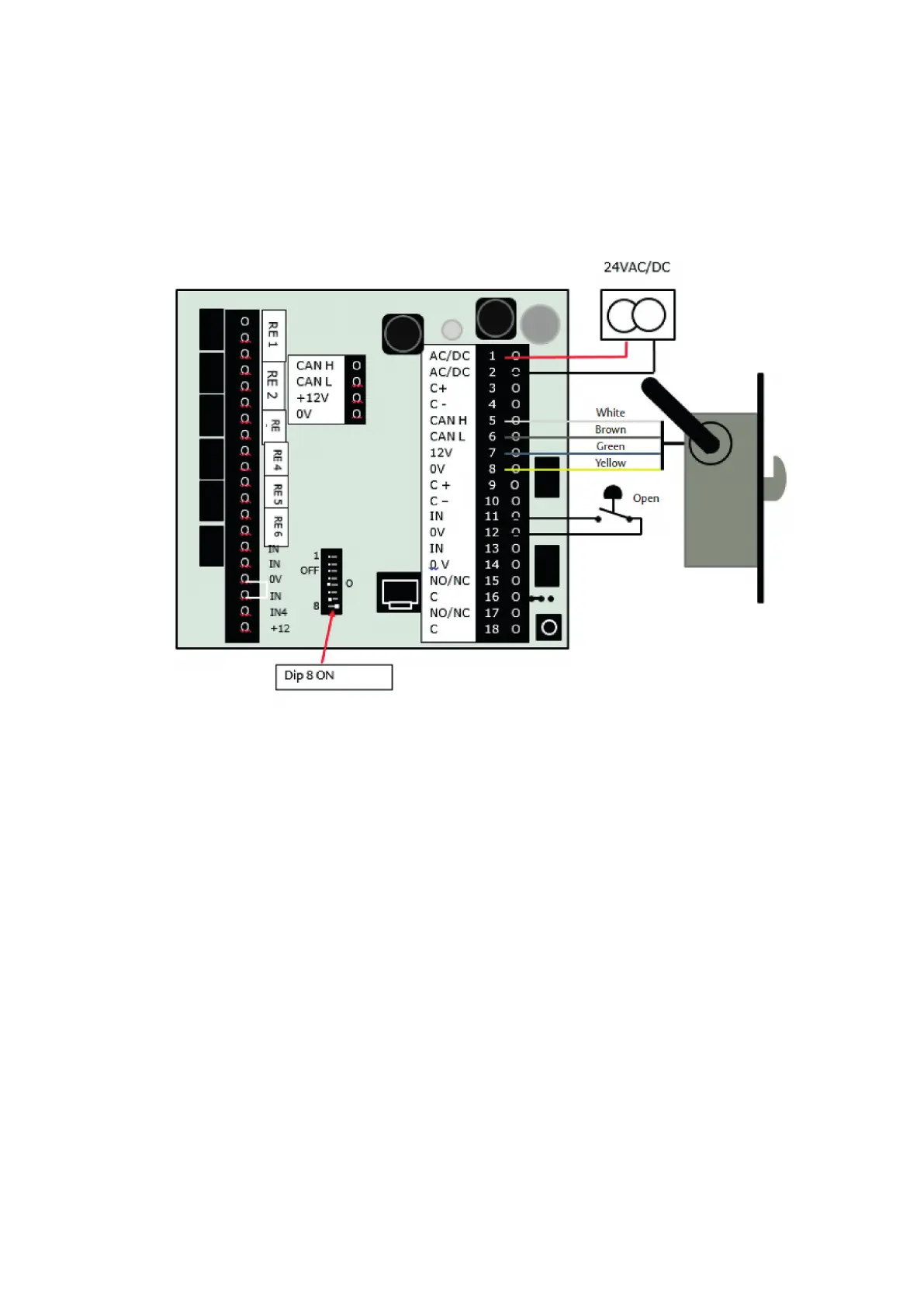
813C, 815C, 820C, 825C, 835C with DAC564
DAC564
Setting up
1 Connect the lock to terminals 5–8 in the DAC.
2 Make sure all DIP switches are OFF.
3 Turn on the power.
4 The blue LED will start flashing.
5 The lock is correctly set up when the yellow PWR
LED lights up and the blue LED starts to flicker.
6 Turn off the power.
7 Set DIP switch 8 to the ON position.
8 Turn on the power.


 To Next Page
 Loading...