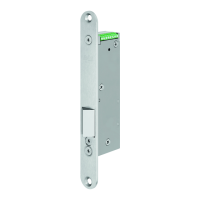
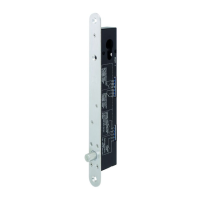
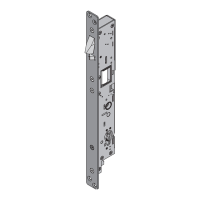
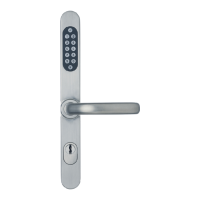
Security lock fitting with integrated access control
Page 46 D0047105
2.4.4 Deleting a user
Beware
Access of unauthorised persons is possible! There is a security leak!
Check if the code of the deleted user could really no longer activate the fitting. If the code still activate the
fitting, then the deleting procedure failed. Get to know the described procedure and delete the user
another time.
There are 2 options to delete a user:
Deleting storage location.
Deleting User-Code.
Deleting storage location
Press keys Signalling Function
Start the deleting.
Enter Master-Code and acknowledge
(3 to 8 digits).
Enter the desired storage location (1 to 39)
and acknowledge 2 times.
4 x
The user is successfully deleted.
Deleting User-Code
Press keys Signalling Function
Start the deleting.
Enter Master-Code and acknowledge 2 times
(3 to 8 digits).
Enter the desired User-Code and acknowledge
(3 to 8 digits).
4 x
The user is successfully deleted.
2.4.5 Changing a user
Delete the user
Create the user another time, see chapter „Create a user”.
Das Bild kann nicht angezeigt werden. Dieser Computer verfügt möglicherweise über zu wenig
Arbeitsspeicher, um das Bild zu öffnen, oder das Bild ist beschädigt. Starten Sie den Computer
neu, und öffnen Sie dann erneut die Datei. Wenn weiterhin das rote x angezeigt wird, müssen
Sie das Bild möglicherweise löschen und dann erneut einfügen.





 To Next Page