Deleting all Fingerprints
Ex a m pl e
Ex a m pl e
Press “3#” Press “3#”
Press “#”
Press “#” Press “#”
Press “#”
Press “2#”Press “2#”
Input Master Code“ ”
Input Master Code“ ”
Ope r at i on
Ope r at i on
Deleting with User ID
Essential Series Essential Series
Ex a m pl e
Press “ 1* ”
Press
1 *“ ”
O
pe r at i on
Note:
Input “12345678”
Input “12345678”
Input “3-Digit User ID (Twice)
Input “001” “001”
Input Master Code“ ” Input “12345678”
Input “3-Digit User ID (Twice)
Input “8-Digit User Code (Twice)
Input “01230123” (Twice)
Input “001”
Press “#” Press “#”
1. User ID is a random 3-digit number (0-9)
2. A code user ID can be the same as a
fingerprint user ID.
Ex a m pl e
Ex a m pl e
Press “2*” Press “2*”
Ope r at i on
Ope r at i on
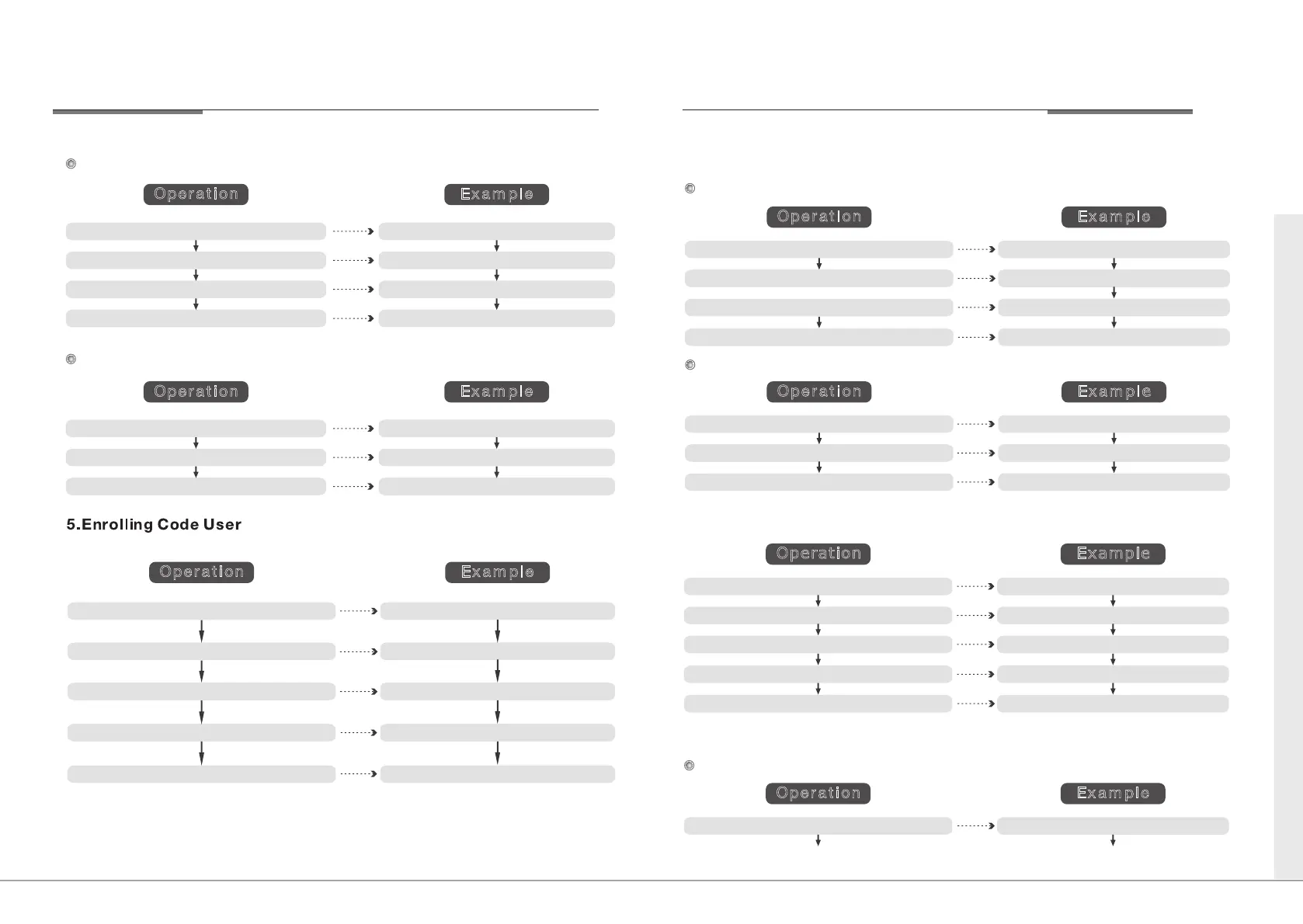
6.Deleting Code User
Deleting with U se r ID
Deleting All Code Users
Input Master Code
“ ”
Input “12345678”
Input “3-Digit User ID (Twice)
Input “001” “001”
Press “#”
Press “#”
Press “#”
Press “3*”
Input Master Code
“ ”
Press “#”
Press “3*”
Input “12345678”
Example
Ex a m pl e
Press “ 5# ”
Press “ 6# ” Press “ 6# ”
Press “ 5# ”
Operation
Ope r at i on
7. Enrolling Card User
8. Deleting Card User
Deleting with User ID
Input Master Code
“ ”
Input “12345678”
Input “3-Digit User ID
Place a Card on Reading Area Place a Card
Input “001”
Press “#”
Press “#”
8 9
YDME - 90 YDME - 90


 To Next Page
 Loading...