7
Enroll/Add device to network (Classic Inclusion Mode) for
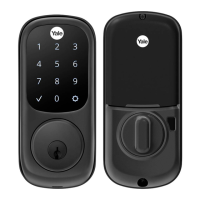
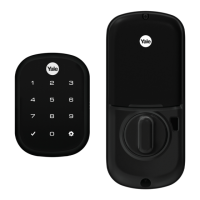
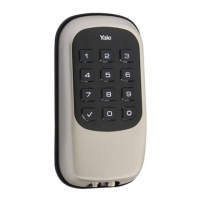
Assure 2 Lock [YRD410/420/430/450]
Un-enroll/Remove device from network (Exclusion Mode)
• Enter the 4–8-digit Master PIN code followed by the key.
• Press the key followed by the key.
• Press the key followed by the key.
When the Yale lock is unenrolled/excluded from the network through the device
menu mode, any changes previously made to the user code database and
configuration settings will be retained, as opposed to set back to defaults.
Factory Reset
• Factory resetting the lock with the Z-Wave
™
module installed will clear the Z-
Wave
™
network settings, causing the device to be removed from the
network.
• The following is the method of performing a factory reset:
1. Manual factory reset, via power cycle while holding button on inside
lock escutcheon
▪ See the Lock Installation Manual for details.
▪ Please use the manual factory reset procedure only when the
network primary controller is missing or otherwise inoperable.



 To Next Page
 Loading...