7
e series saltwater chlorinator Installation Manual
6
e series saltwater chlorinator Installation Manual
Section 4. Install Controller
The controller should be located at or near the
equipment pad, at least 3.5 metres or more away
from the inside wall of the pool/spa, 1.5 metres off
the ground, and within 1.5 meters of the cell. All
national, state, and local codes are applicable.
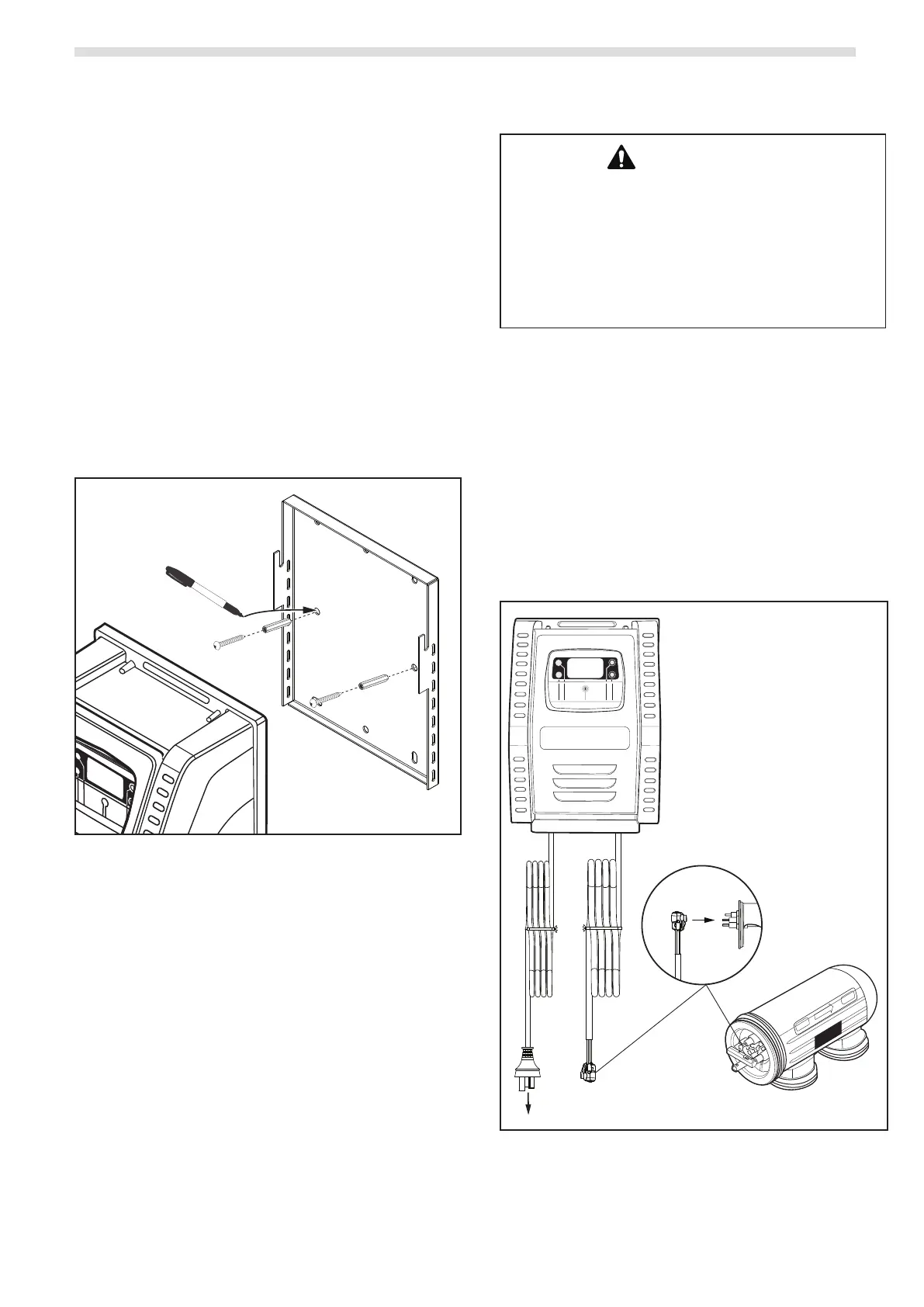
4.1 Mount the Bracket
1. Determine the controller location.
2. Use the enclosed bracket to mark the mounting
surface through the screw holes.
3. Drill surface with 7 mm bit.
4. Install the included wall anchors.
5. Hang bracket using the included screws.
6. Hang the controller on the wall bracket and slide
down to secure in place.
Marker
Figure 5. Controller Mount
4.2 Electrical Connections
WARNING
FOR YOUR SAFETY: This product must be serviced by
a professional pool/spa service technician as described
on the front cover of this manual. The procedures in
this manual must be followed exactly. Failure to follow
warning notices and instructions may result in property
damage, serious injury, or death. Improper installation
and/or operation will void the warranty.
The controller must be permanently powered by
connection to a 30 mA residential circuit breaker.
A non-replaceable backup power source is
incorporated to maintain time-setting memory in
the event of a short, infrequent power interruption.
4.2.1 Controller and Chlorinator Cell Wiring
1. Connect the Chlorinator Cell Cable to the
appropriate ports on the cell.
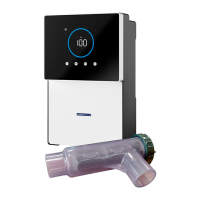
2. Connect the E25/E35 Controller to the power
source.
I
nl
e
t
O
u
t
l
e
t
D
i
r
e
ct
io
n
o
f
F
l
o
w
Chlorinator
Cell
Cable
Power
Cord
To Power Source
ENTER
MENU
UP
AUTO
DOWN
Figure 6. Chlorinator Cell Cable Connections



 To Next Page