5
© 2017 Directed. All rights reserved.
Introduction
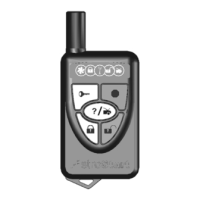
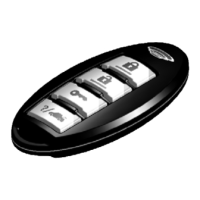
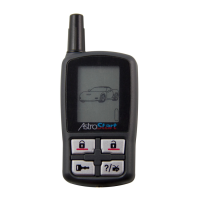
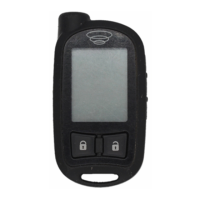
2625-TX 2-Way/2615-TX 1-Way Remote Control
Feature Description
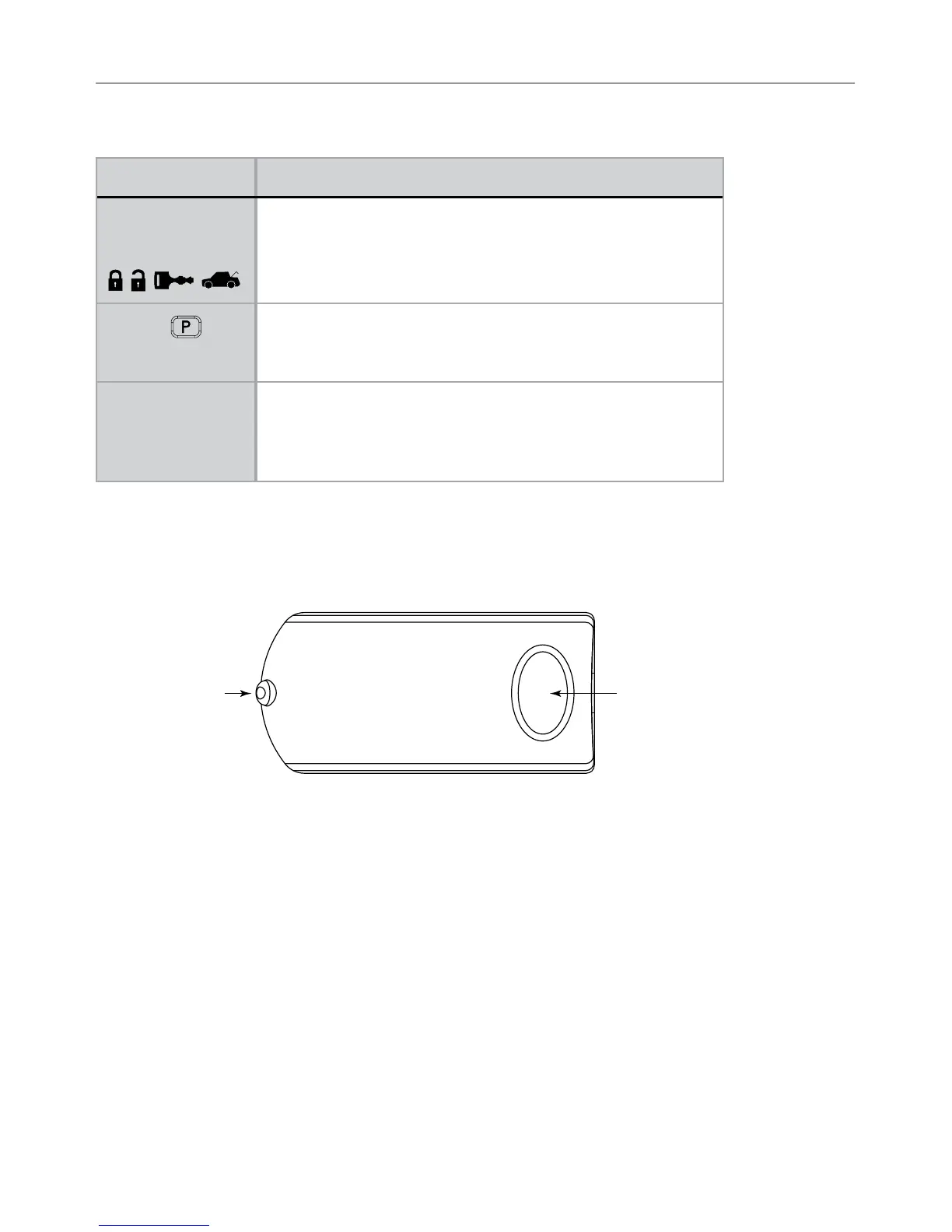
Command buttons
(4)
Used to perform arming, disarming, utility channel and
remote start commands
P button
Used to access function levels for commands, configuration
menus for programming, Car Selection, and to access other
advanced commands.
Confirmation
LED’s*
Each button has an associated LED next to it that are
active during related operations. These LED’s are labeled
respectively as:
Lock LED, Unlock LED, Remote Start LED and Trunk LED
* 2-way communication is only applicable to the 2625-TX remote control.
Antenna
Antenna
Status LED
Button
The antenna sends and receives commands or messages to and from the system.
It consists of:
• The Status LED, as a visual indicator of the system’s status.
• Button, for accessing various feature, programming, and reporting
functions of the system.






 To Next Page