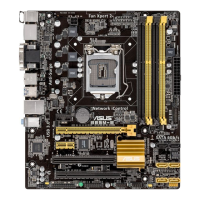
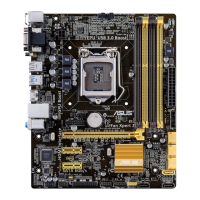
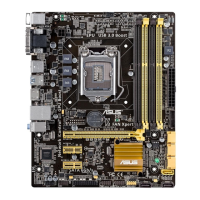
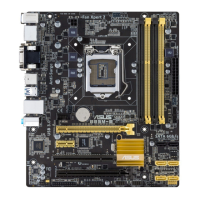
ASUS B85M-E/DASH
2‑37
2.7 Boot menu
The Boot menu items allow you to change the system boot options.
Scroll down to display the following items:
2.7.1 Fast Boot [Disabled]
[Enabled] Select to accelerate the boot speed.
[Disabled] Select to go back to normal boot.
The following ve items appear when you set Fast Boot to [Enabled].
SATA Support [All Devices]
[All Devices] All devices connected to SATA ports are available during POST.
This process extends the POST time.
[Hard Drive Only] Only hard drives connected to SATA ports are detected during
POST.
[Boot Drive Only] Only boot drives connected to a SATA ports are detected during
POST.
Version 2.15.1231. Copyright (C) 2014 American Megatrends, Inc.
Aptio Setup Utility - Copyright (C) 2014 American Megatrends, Inc.
Main Ai Tweaker Advanced Monitor Boot Tool Exit
Select [Enabled] to
accelerate the boot
speed. Select [Disabled]
to go back to normal
boot.
→←:
Select Screen
↑↓:
Select Item
Enter: Select
+/-: Change Opt.
k/m: Scroll Help Text
F1: General Help
F2: Previous Values
F5: Optimized Defaults
F10: Save & Exit
ESC: Exit
Boot Conguration
Fast Boot [Disabled]
Boot Logo Display [Auto]
POST Delay Time [3 sec]
Bootup Numlock State [On]
Wait For 'F1' If Error [Enabled]
Option ROM Messages [Force BIOS]
Interrupt 19 Capture [Disabled]
CSM (Compatibility Support Module)
Secure Boot
Boot Option Priorities
Boot Option #1
[P3:ST380817...]
Boot Option #2
[UEFI:3SYSTE...]
Hard Drive BBS Priorities
Boot Override
Version 2.15.1231. Copyright (C) 2014 American Megatrends, Inc.
P3: ST380817AS (76319MB)
3SYSTEM USB Flash Disk (7639MB)
UEFI: 3SYSTEM USB Flash Disk


 To Next Page