1-20
Chapter 1: Product introduction
1.8 Onboard buttons and switches
Onboardswitchesandbuttonsallowyoutone-tuneperformancewhenworkingonabareor
open-casesystem.Thisisidealforoverclockersandgamerswhocontinuallychangesettings
to enhance system performance.
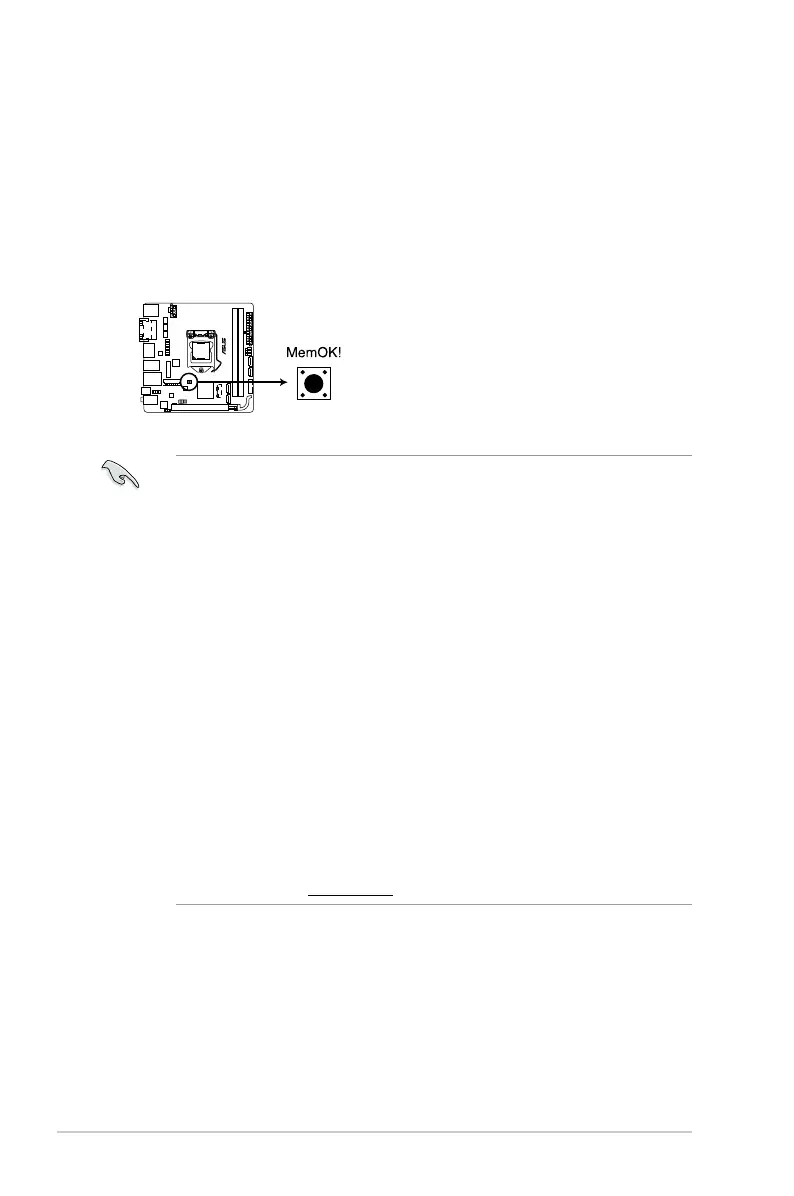
MemOK! button
InstallingDIMMsthatarenotcompatiblewiththemotherboardmaycausesystem
bootfailure,andtheDRAM_LEDneartheMemOK!switchlightscontinuously.Press
andholdtheMemOK!buttonuntiltheDRAM_LEDstartsblinkingtobeginautomatic
memory compatibility tuning for successful boot.
Refertosection1.9 Onboard LEDsfortheexactlocationoftheDRAM_LED.
TheDRAM_LEDalsolightsupwhentheDIMMisnotproperlyinstalled.Turnoffthe
systemandreinstalltheDIMMbeforeusingtheMemOK!function.
TheMemOK!switchdoesnotfunctionunderWindows
®
OSenvironment.
Duringthetuningprocess,thesystemloadsandtestsfailsafememorysettings.It
takesabout30secondsforthesystemtotestonesetoffailsafesettings.Ifthetest
fails,thesystemrebootsandtestthenextsetoffailsafesettings.Theblinkingspeed
oftheDRAM_LEDincreases,indicatingdifferenttestprocesses.
Duetomemorytuningrequirement,thesystemautomaticallyrebootswheneach
timingsetistested.IftheinstalledDIMMsstillfailtobootafterthewholetuning
process,theDRAM_LEDlightscontinuously.ReplacetheDIMMswithones
recommendedintheMemoryQVL(QualiedVendorsLists)ontheASUSwebsiteat
www.asus.com.
IfyouturnoffthecomputerandreplaceDIMMsduringthetuningprocess,thesystem
continuesmemorytuningafterturningonthecomputer.Tostopmemorytuning,turn
offthecomputerandunplugthepowercordforabout510seconds.
IfyoursystemfailstobootupduetoBIOSoverclocking,presstheMemOK!switch
tobootandloadtheBIOSdefaultsettings.AmessagewillappearduringPOST
remindingyouthattheBIOShasbeenrestoredtoitsdefaultsettings.
WerecommendthatyoudownloadandupdatetothelatestBIOSversionfromthe
ASUSwebsiteatwww.asus.comafterusingtheMemOK!function.
H97I-PLUS
H97I-PLUS MemOK! button



 To Next Page