42
4 Using the Notebook PC
Monitor Out Connection
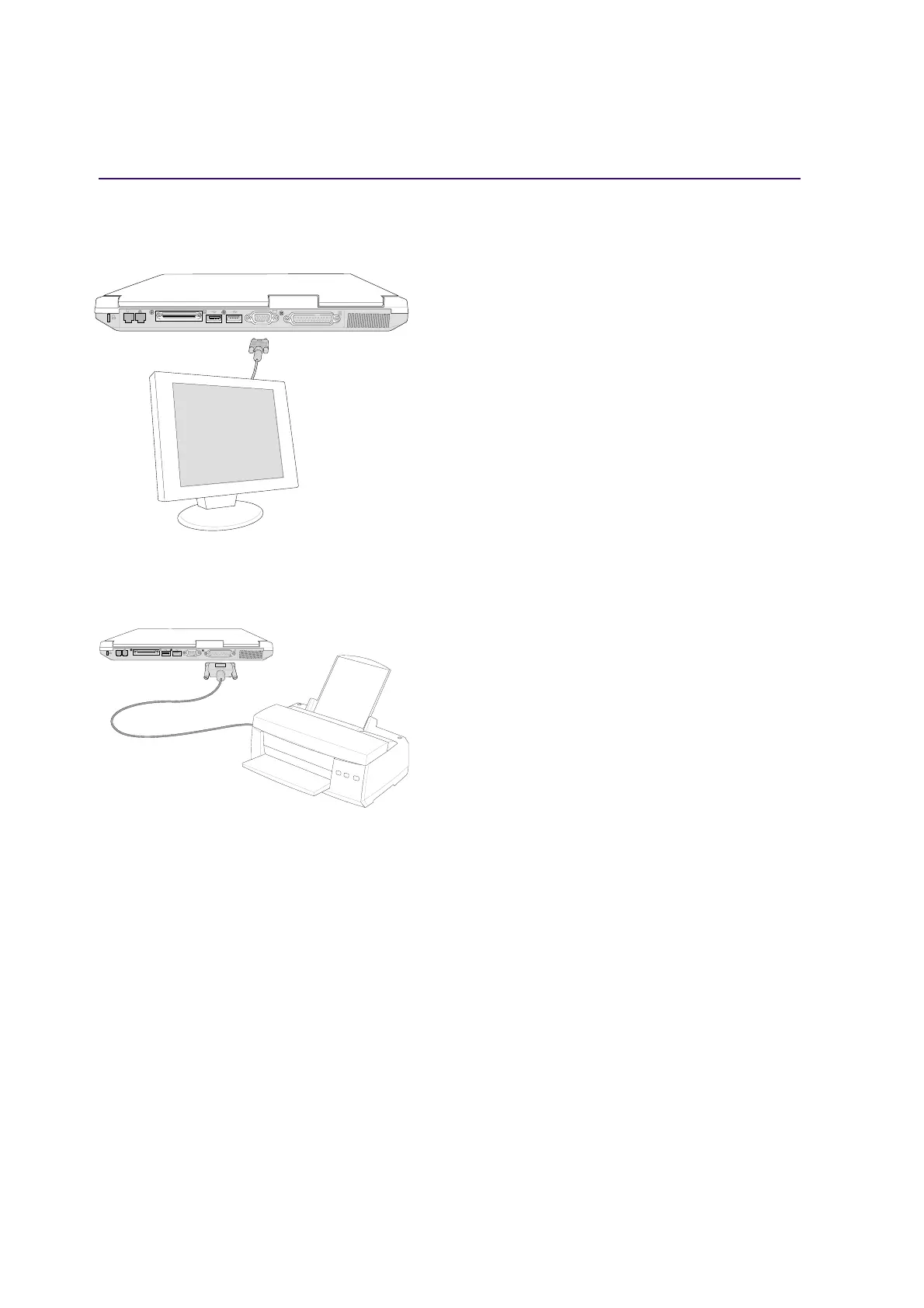
Connecting an external monitor is just like on a stan-
dard desktop PC. Just plug in the VGA cable and its
ready to use (some Notebook PC configurations may
require additional display driver settings). You can
view the Notebook PC display panel while simulta-
neously allowing others to view the external moni-
tor. For large audiences, try connecting a computer
video projector.
Printer Connection
This Notebook PC provides a parallel port that al-
lows you to connect devices such as injet/laser print-
ers, hard drives, removable drives, or scanners. Al-
ternatively, one or more USB printers can be con-
nected directly to any USB port.
Optional External Connections
K
K











 To Next Page