74
5 Configuring the BIOS
Boot Menu
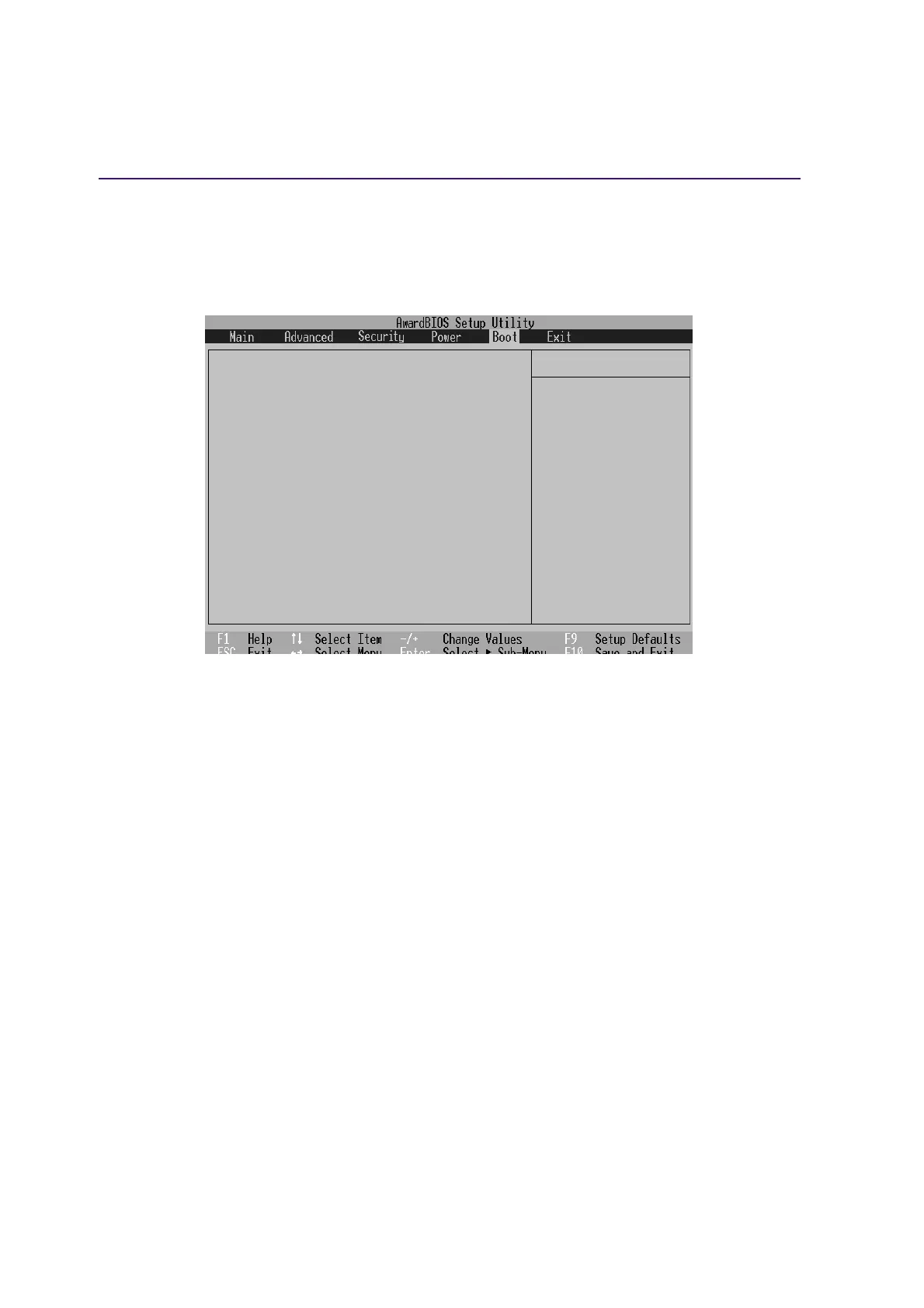
The Boot menu allows the user to specify the order in which the Notebook PC is to check for a device
to boot the system. To make changes, select Boot from the menu bar and the following screen appears:
Item Specific Help
1. Removable Device [Legacy Floppy]
2. IDE Hard Drive [IC25N030ATDA04-0]
3. ATAPI CD-ROM [TOSHIBA DVD-ROM SD-R2102]
4. Other Boot Device [INT18 Device (Network)]
Onboard LAN Boot ROM [Disabled]
Boot Sequence:
<Enter> to select the
device.
To select the boot
sequence, use the up or
down arrow. Press <+> to
move the device up the
list, or <-> to move it
down the list.
Boot Sequence
1. Removable Device
2. IDE Hard Drive
3. ATAPI CD-ROM
4. Other Boot Device
Onboard LAN Boot ROM - Select Network drive bootup capability as [Disabled] or [Enabled].
The Boot menu allows you to select among the three possible boot devices listed using the up and down
arrow keys . By using the [+] or [Shift =] keys, you can promote devices and by using the [-] key, you
can demote devices. Press [Enter] to select the specific device or Disabled to never boot from that
device.
Promotion or demotion of devices alters the priority which the system uses to search for a boot device
on system power up. The following are explanations of the devices listed in the boot sequence:
Removable Device refer to the floppy disk used in the internal or USB floppy disk drive.
IDE Hard Drive refers to the internal built-in hard disk drive.
ATAPI CD-ROM refers to either the built-in CD-ROM drive or DVD-ROM drive.
Other Boot Device currently refers to booting from a network drive.
NOTE: To boot from LAN, set this item to the top and Enable “Onboard LAN Boot ROM”.











 To Next Page