68
5 Configuring the BIOS
>I/O Device Configuration (described on next page)
Pressing [Enter] when this field is highlighted calls up a sub-menu for configuring the Notebook PC’s
serial and parallel ports.
Internal Pointing Device [Enabled]
This allows you to turn ON or OFF the Notebook PC’s built-in touchpad. Some external pointing
devices have extra functions that may not function without turning OFF the Notebook PC’s touchpad.
The configuration options are: [Enabled] [Disabled]
Quick Power On Self Test [Enabled]
This field speeds up the Power-On-Self Test (POST) routine by skipping certain redundant tests. Con-
figuration options are: [Disabled] [Enabled]
Advanced Menu
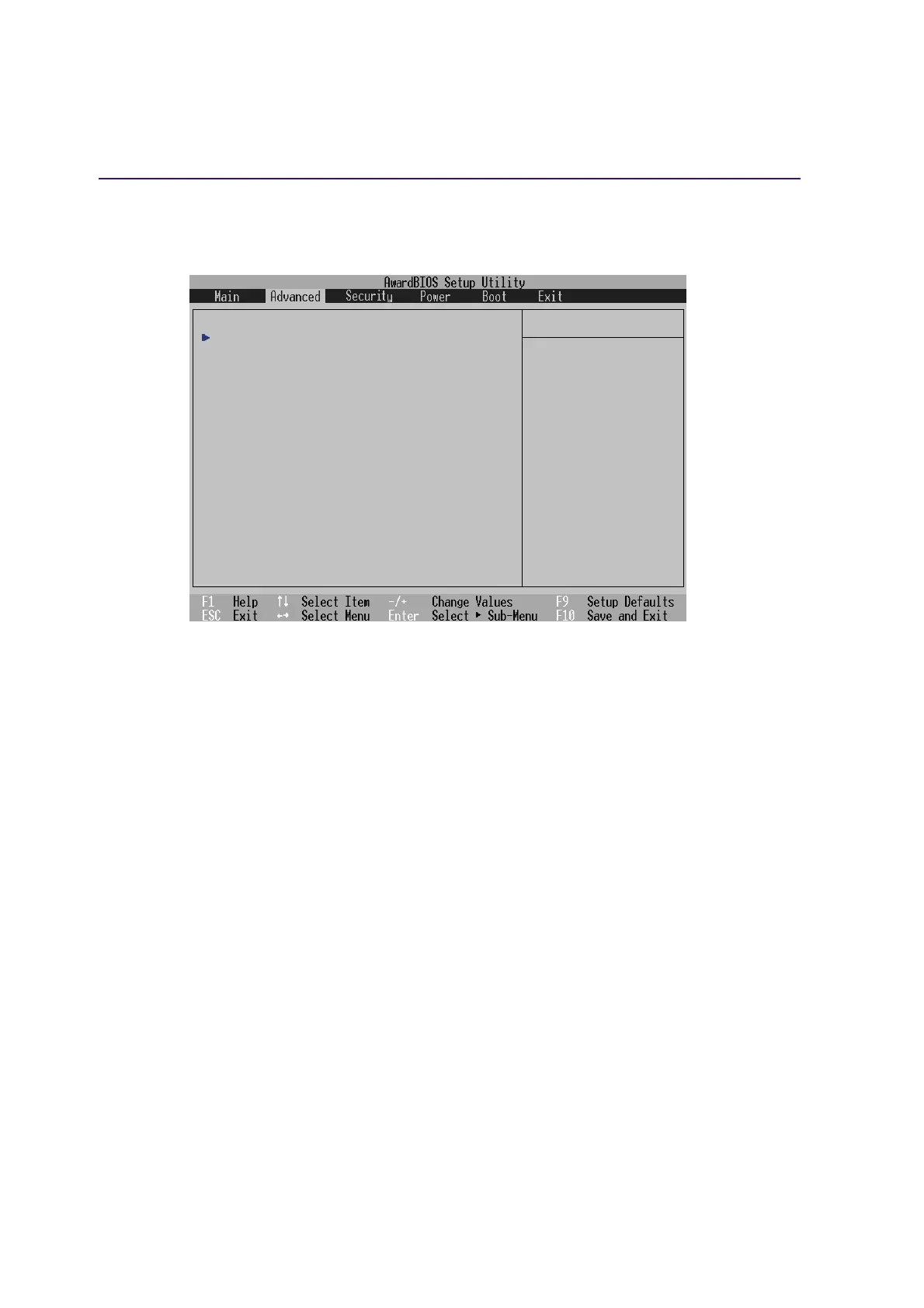
Selecting Advanced from the main menu bar display the Advanced menu as shown below.
Item Specific Help
I/O Device Configuration
Internal Pointing Device [Enabled]
Quick Power On Self Test [Enabled]
<Enter> to go to the
sub-menu.











 To Next Page