69
Configuring the BIOS 5
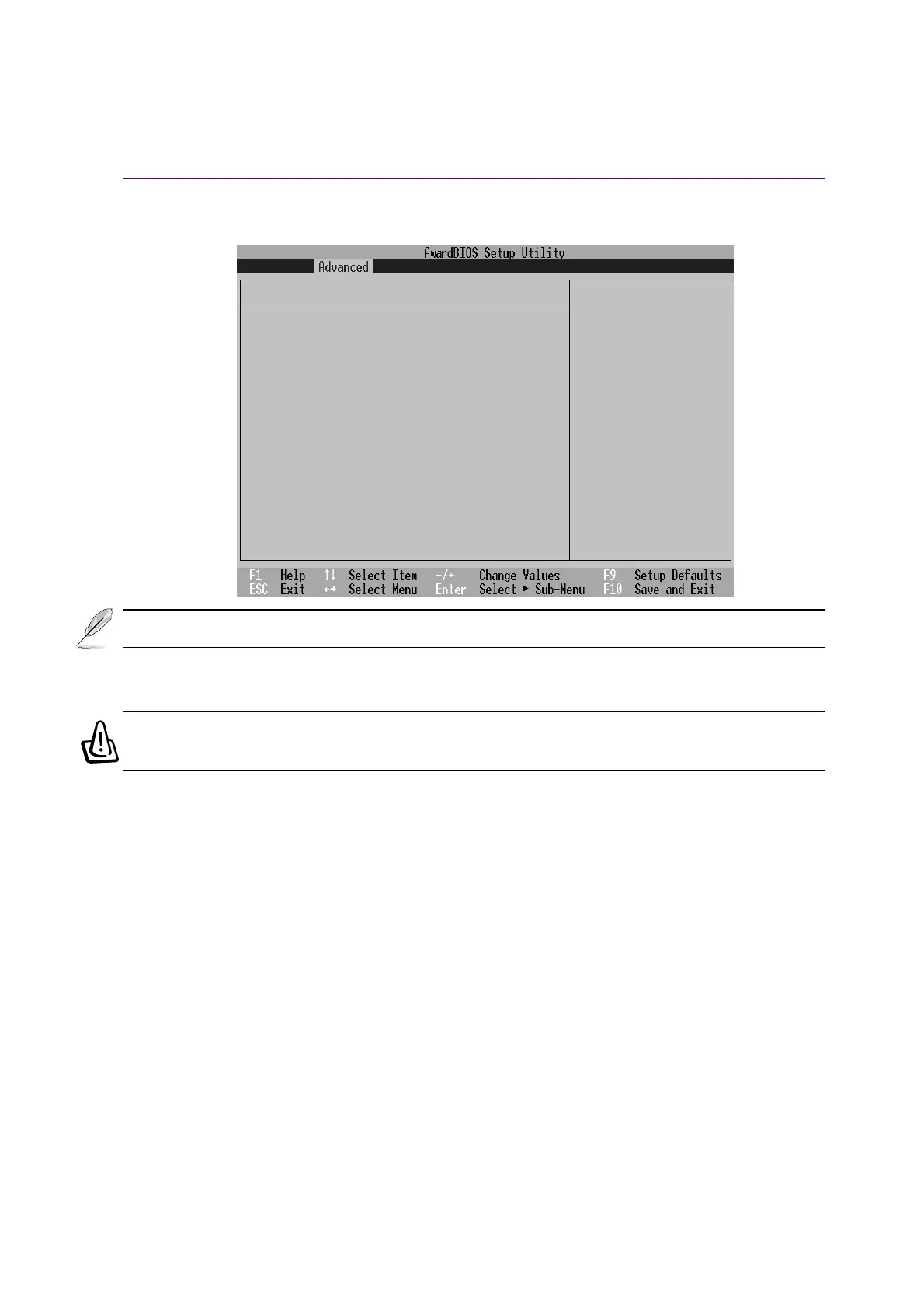
I/O Device Configuration (sub-menu)
Item Specific Help
I/O Device Configuration
IR Port [2F8H/IRQ3]
Mode [FIR]
DMA Channel [1]
Parallel Port [378H/IRQ7]
Mode [ECP+EPP]
ECP DMA Select [3]
<Enter> to select the
I/O Address & IRQ for
Infrared.
IR Port [2F8H/IRQ3]
This field allows you to configure the Notebook PC’s serial COM1 port. The configuration options are:
[3F8H/IRQ4] [2F8H/IRQ3] [3E8H/IRQ4] [2E8H/IRQ3] [Disabled]
Mode: [FIR]
The Mode field allows you to select either Standard Infrared (SIR) or Fast Infrared (FIR) commu-
nication mode. The configuration options are: [SIR] [FIR]
DMA Channel: [1]
The DMA Channel field allows you to configure the Parallel port DMA Channel for the selected
ECP mode. The configuration options are: [1] [3]
WARNING! Changing the default address and IRQ settings for Serial Port or Parallel
Port can cause conflicts with other system devices or installed peripherals.
NOTE: The presence of sub-items in this menu is dependent on certain relevant settings.











 To Next Page