44
4 Using the Notebook PC
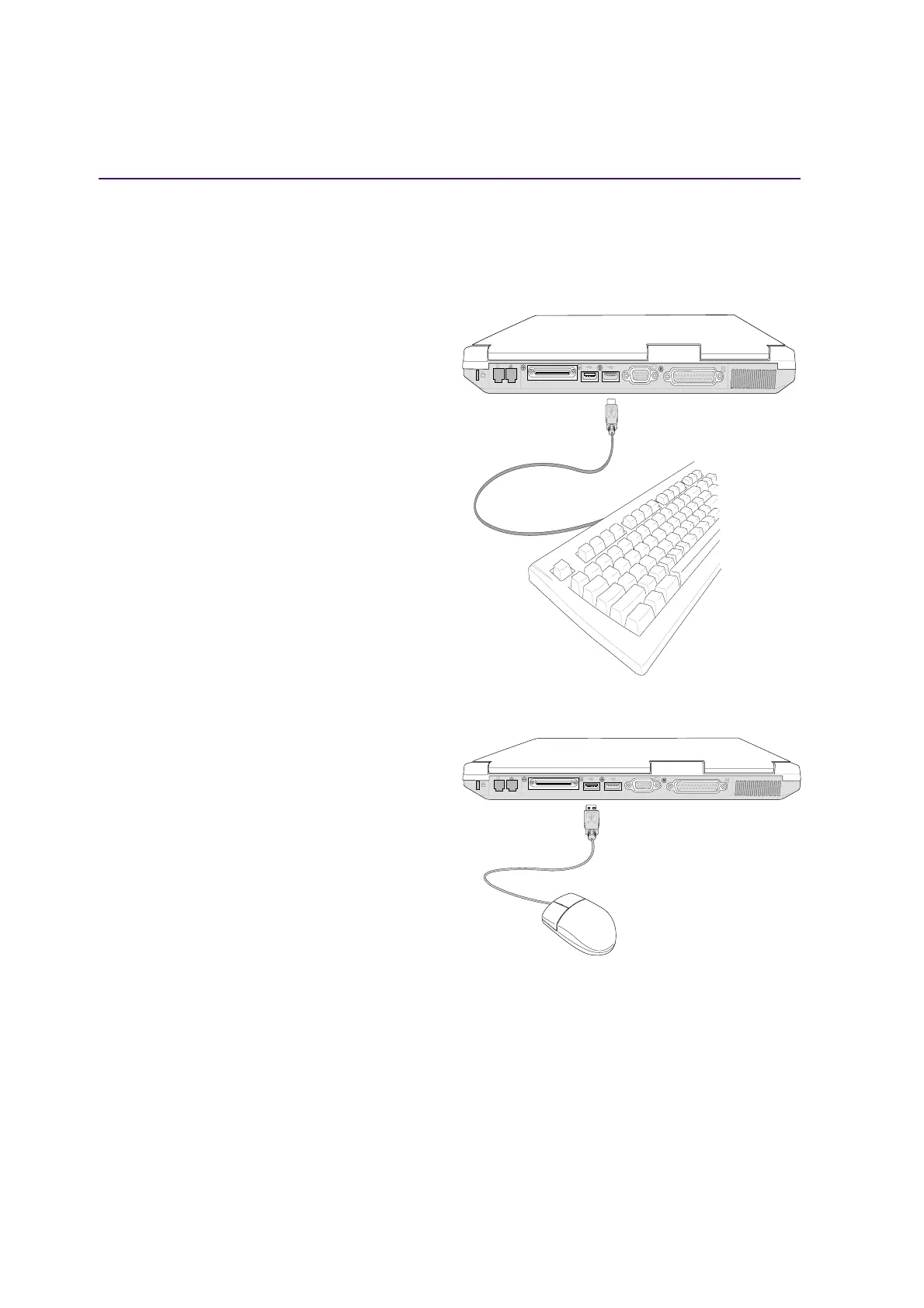
External Mouse Connection
A USB mouse can be easily connected to the Note-
book PC. The USB mouse will work simulta-
neously with the Notebook PC’s touchpad. For ex-
tra USB connections, you can purchase either a
USB hub or a keyboard with an integrated USB
hub.
External Keyboard Connection
To allow easier data entry, you may connect any
PS/2 or USB (shown here) keyboard.
Optional External Connections (Cont’)
USB ports are provided on both the left and rear sides for connection to USB devices.
K
K











 To Next Page