Chapter 7: Staying connected
113
Bluetooth Tethering
Enable Bluetooth on your ASUS Tablet and use it to link with other devices using Share Link, or link
to a printer.
1. Enable Bluetooth on your ASUS Tablet and the other device.
2. Pair both devices.
NOTE: For details, see Pairing your ASUS Tablet to a Bluetooth® device.
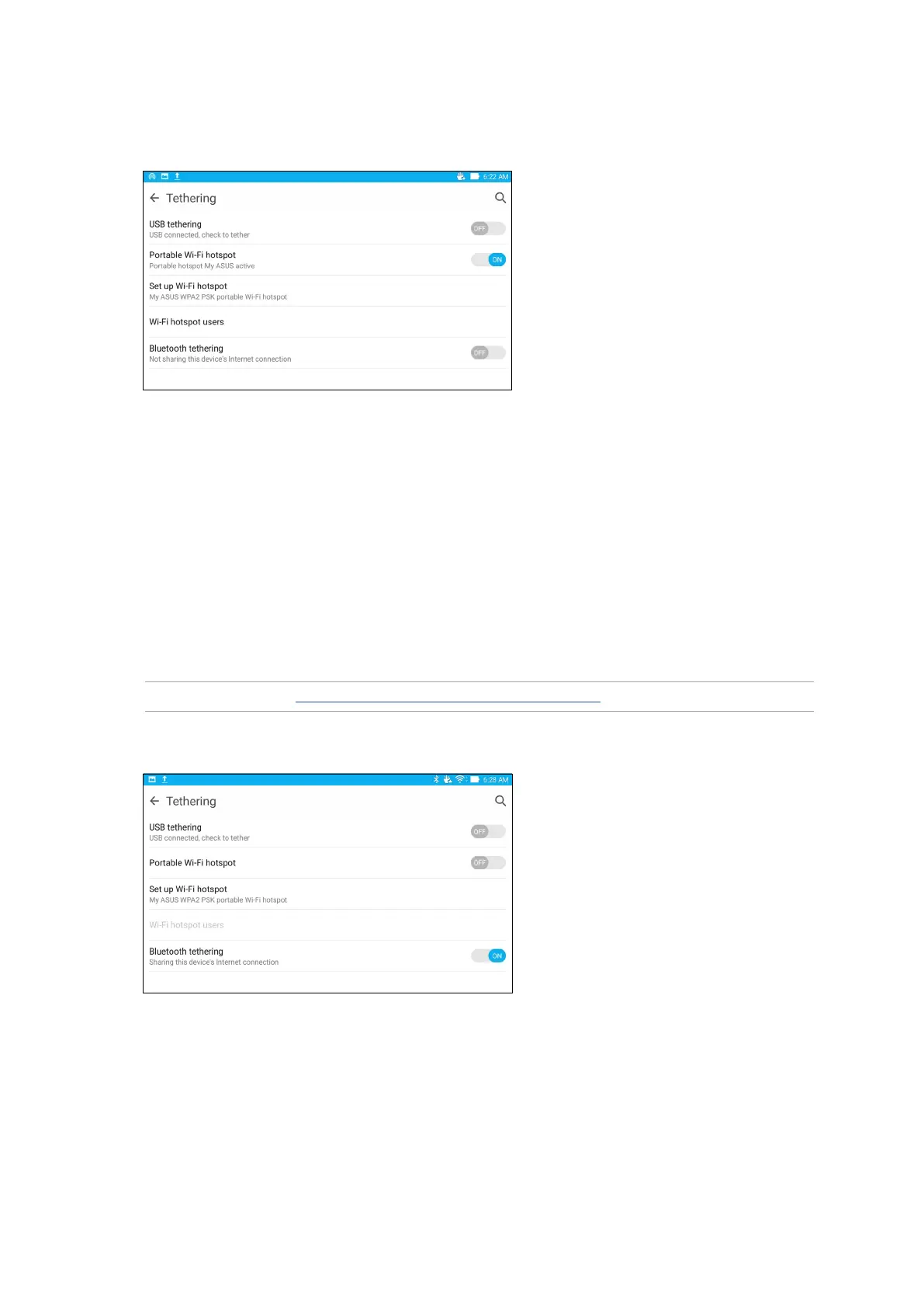
3. From the Settings screen, tap More > Tethering, then silde Bluetooth tethering to ON.
4. From the Tethering screen, tap Portable Wi-Fi hotspot to turn on the Wi-Fi hotspot on your
ASUS Tablet.
5. Connect other devices to your ASUS Tablet’s hotspot connection the same way you connect to
a Wi-Fi network.


 To Next Page
 Loading...







