Chapter 10: Zen Everywhere
135
Splendid
ASUS Splendid allows you to easily adjust the display settings. It enriches the color of your screen
with its preset screen color modes.
Using Splendid
To use Splendid:
1. From your Home screen tap ASUS > Splendid.
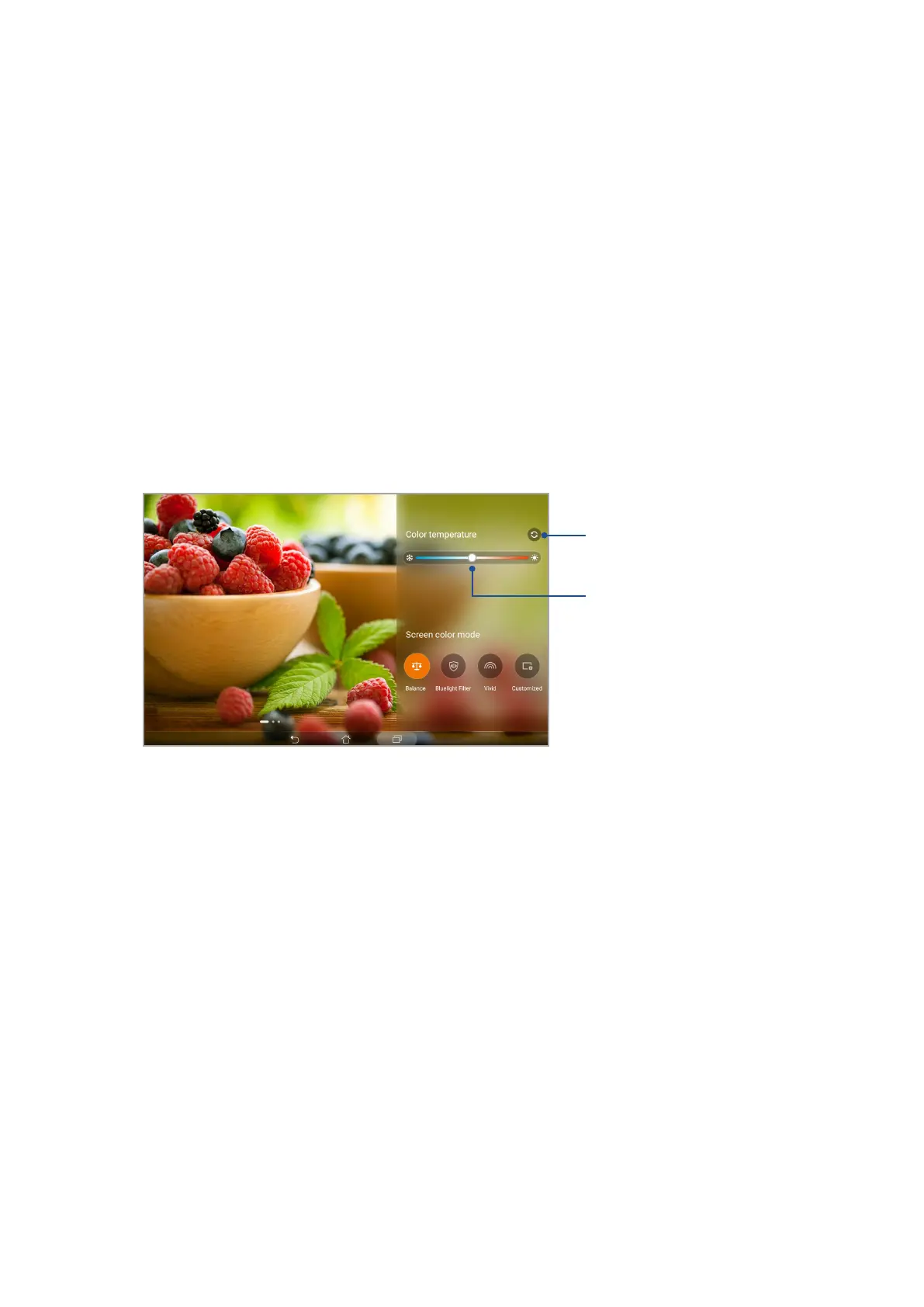
2. Select any of these screen color modes: Balance, Bluelight Filter, Vivid, and Customized.
Balance mode
This mode provides a balanced display of color on your ASUS Tablet.
Move to adjust the color temperature
Tap to reset to factory defaults


 To Next Page
 Loading...







