Chapter 1: Get your Zen ready!
9
1
Get your Zen ready!
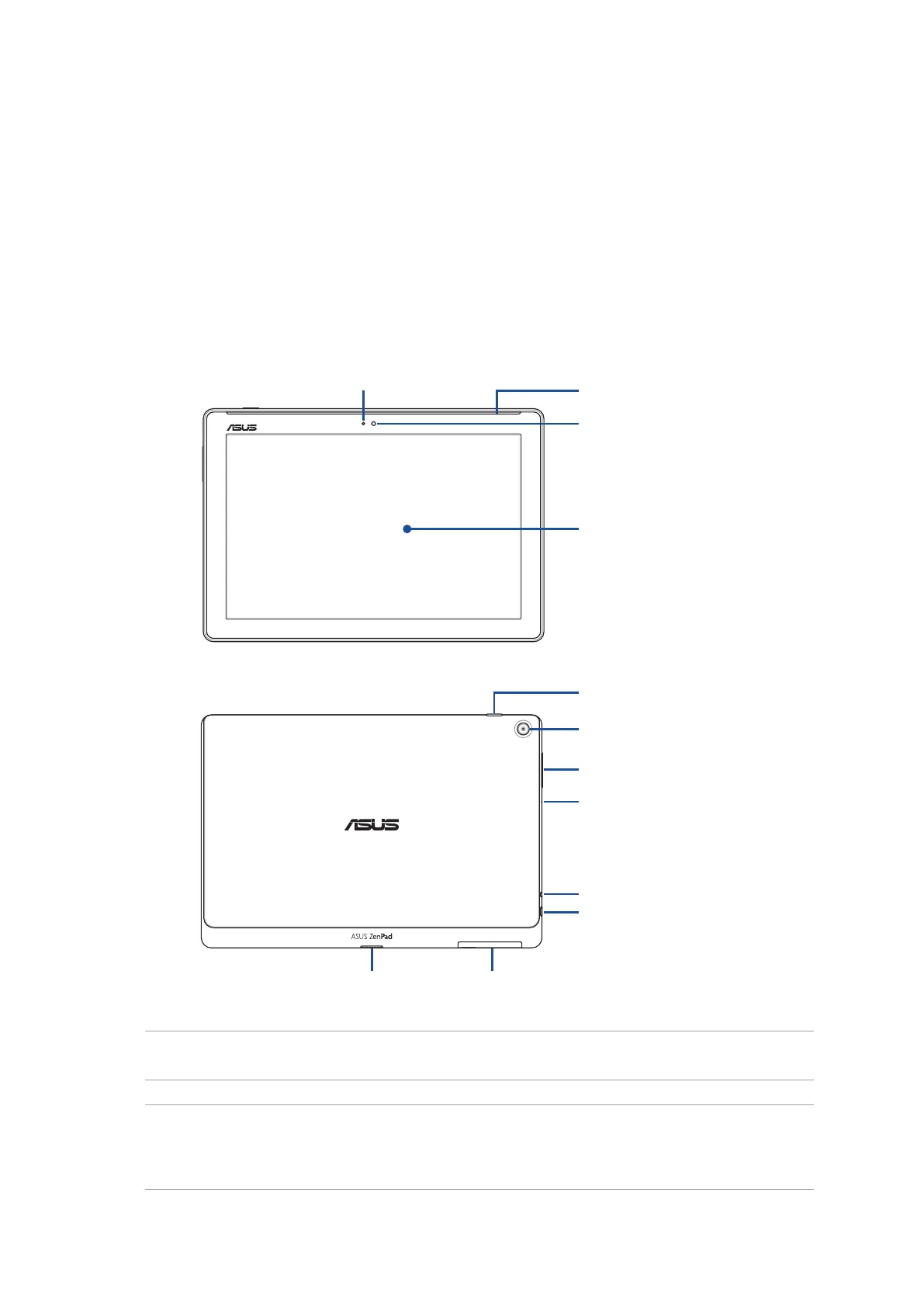
Parts and features
Take a hold of your device and have it up and running in a jiy.
IMPORTANT! Keep the device, particularly the touch screen, dry all the time. Water or other liquids can
cause the touch screen to malfunction.
1 Get your Zen ready!
Power button
Ambient light sensor
Volume button
Microphone
Speaker/Headset port
Micro USB 2.0 port
Accessory
connector
Micro SIM/microSD
card compartment
Rear camera
Audio speakers
Front camera
Touch screen panel
NOTE:
• Thecardcompartment'slayoutmayvarypermodel.
• ThemicroSIMcardslotisavailableonselectedmodels.


 To Next Page
 Loading...







