Chapter 10: Zen Everywhere
132
Sound Recorder
Record audio les using your ASUS Tablet by enabling the Sound Recorder app.
Launching Sound Recorder
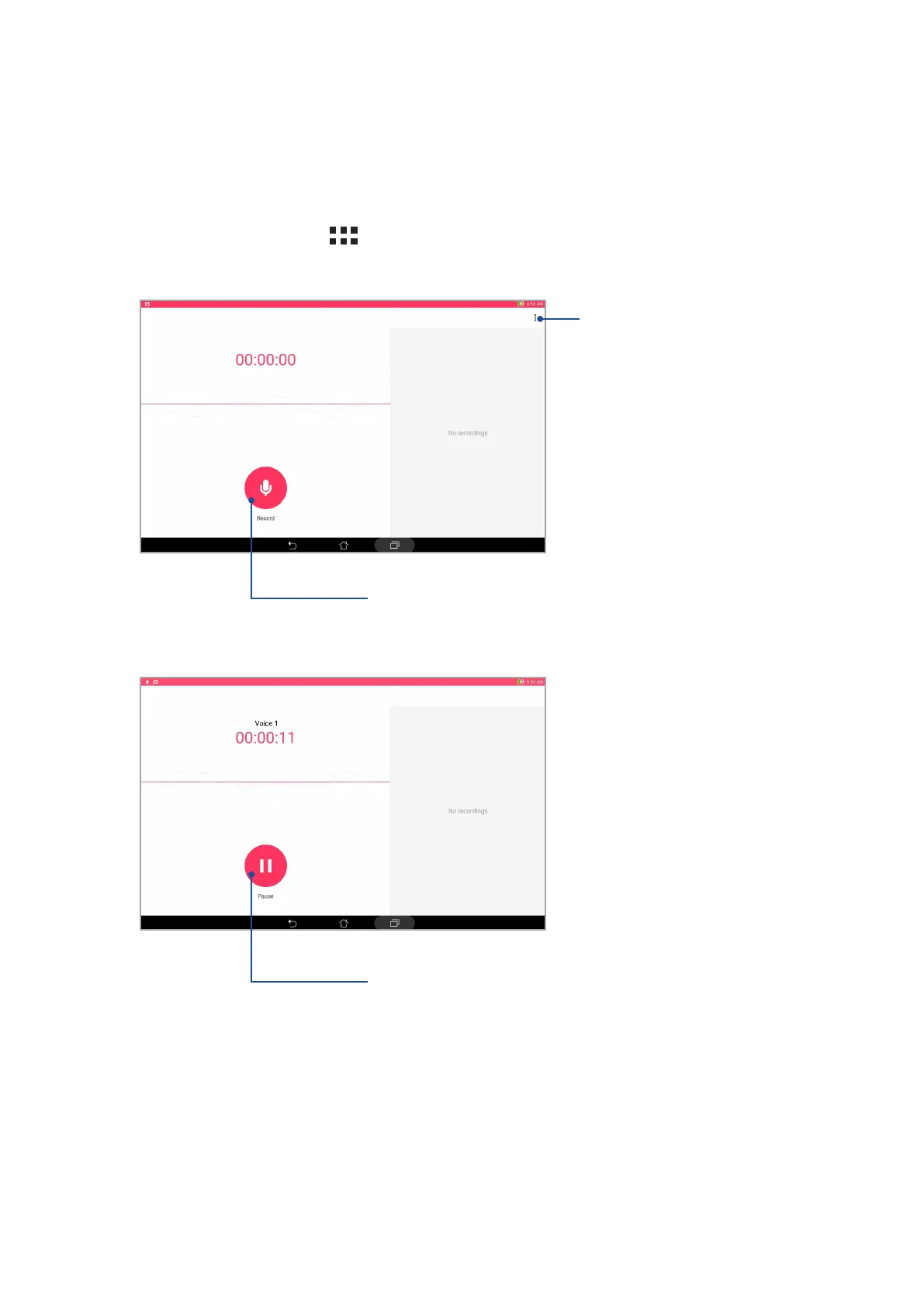
To launch Sound Recorder, tap > Sound Recorder.
Tap to customize the Sound Recorder settings
Tap to start audio recording
During recording, tap this to temporarily stop or pause the recording


 To Next Page
 Loading...







