Chapter 10: Zen Everywhere
136
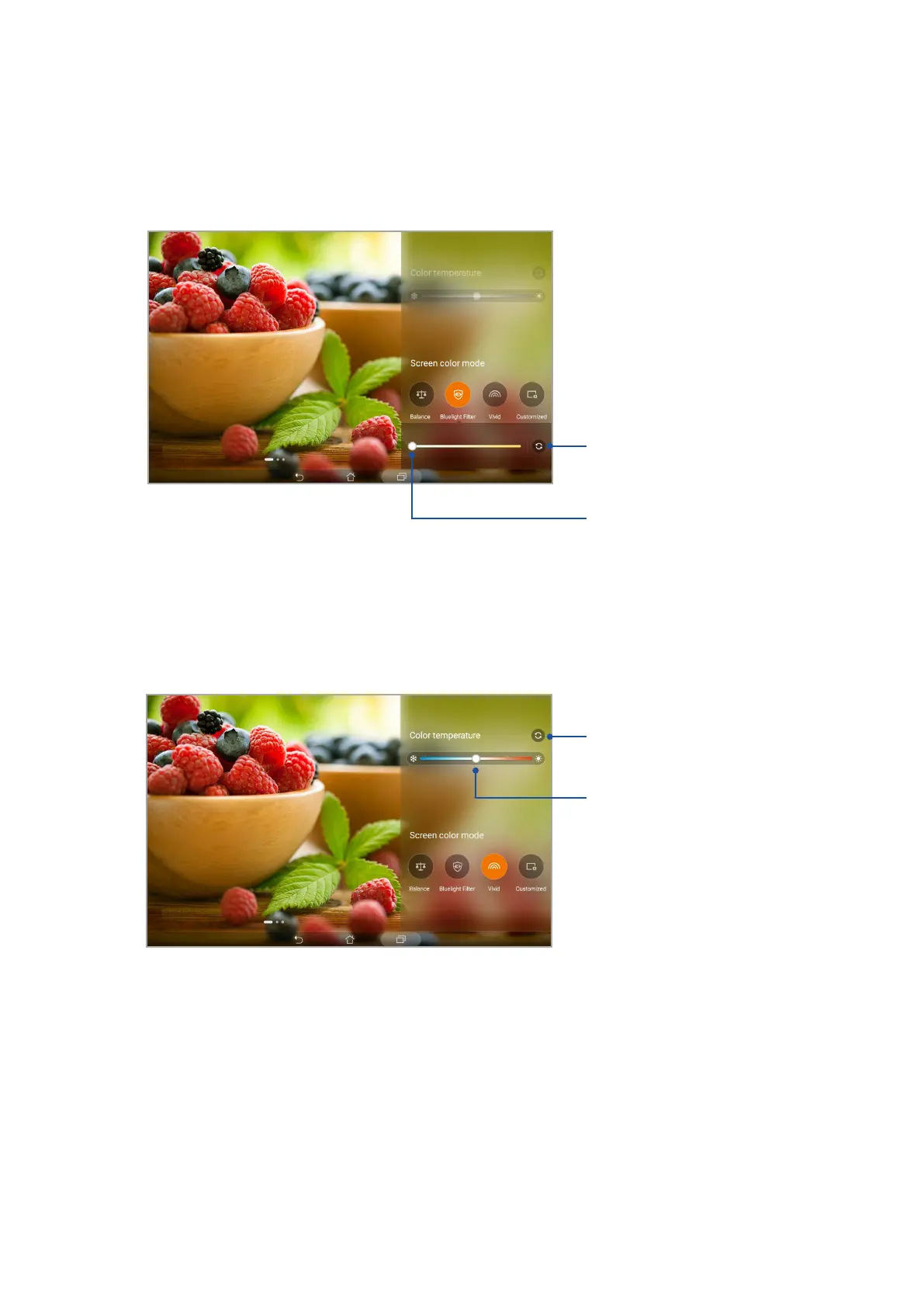
Vivid mode
This mode provides a ne-tuned color preset that enriches the screen color of your ASUS Tablet.
Bluelight Filter mode
This mode provides a mild paper-like display that reduces eye strain for a comfortable reading
experience on your ASUS Tablet.
Move to adjust the color temperature
Tap to reset to factory defaults
Tap to reset to factory defaults
Move to adjust the color temperature



 To Next Page