Chapter 1: Get your Zen ready!
28
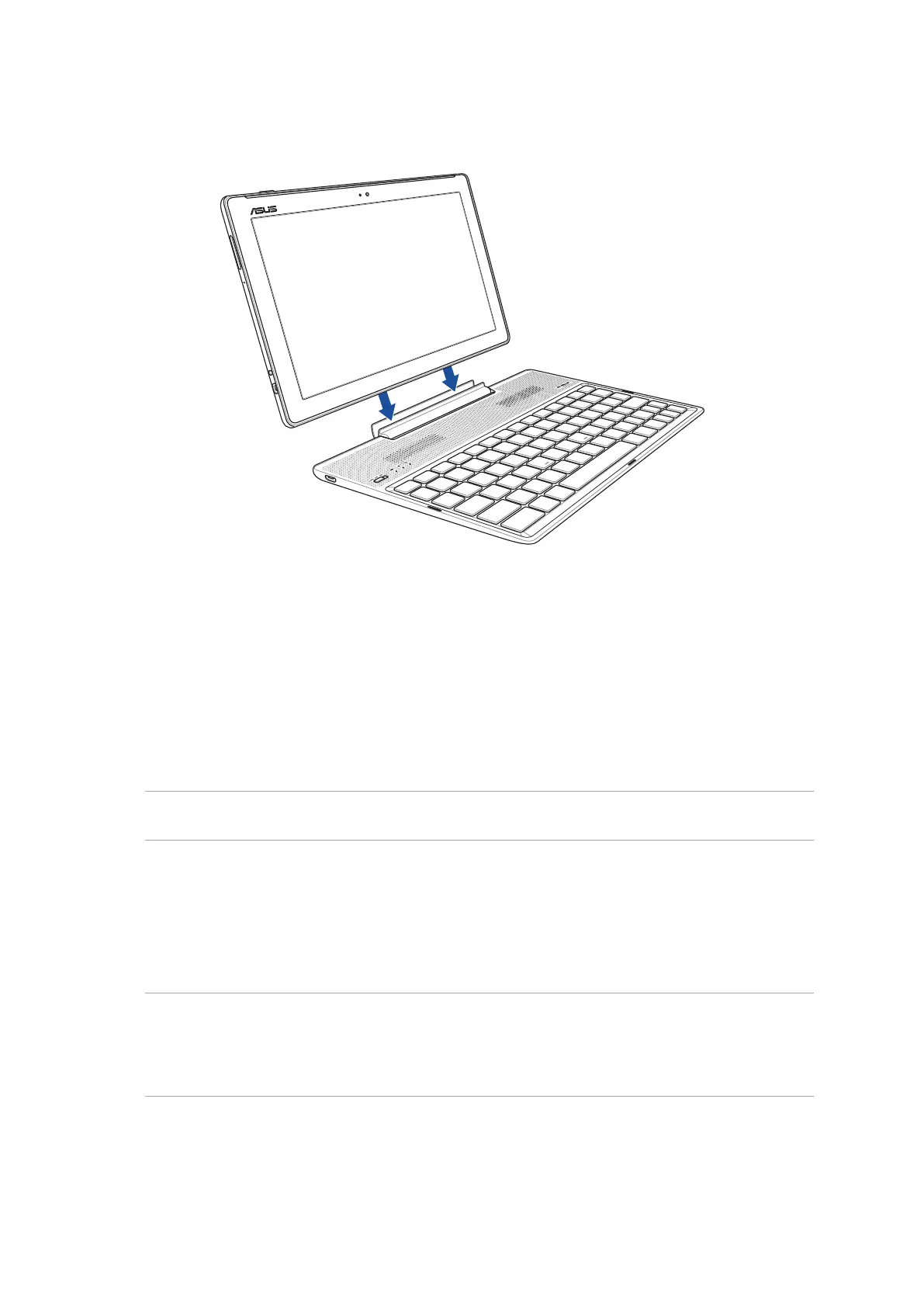
Docking your ASUS Tablet
To dock your ASUS Tablet:
1. Put your ASUS Mobile Dock on a at and stable surface.
2. Align your ASUS Tablet with ASUS Mobile Dock.
3. Firmly insert your ASUS Tablet into the hinge.
IMPORTANT! Always pick up the entire assembly from the bottom when your ASUS Tablet is attached
to ASUS Mobile Dock.
Using the special keys
The special keys on your ASUS Mobile Dock have standalone functions and some must be used
with the function key <Fn>.
NOTE:
• TheplacementofthespecialkeysontheMobileDockmayvarywithcountryorregion,buttheir
functions remain the same.
• ThefunctionkeyfeatureisavailableonASUSZenPad10.



 To Next Page