Chapter 3: Keeping in touch
54
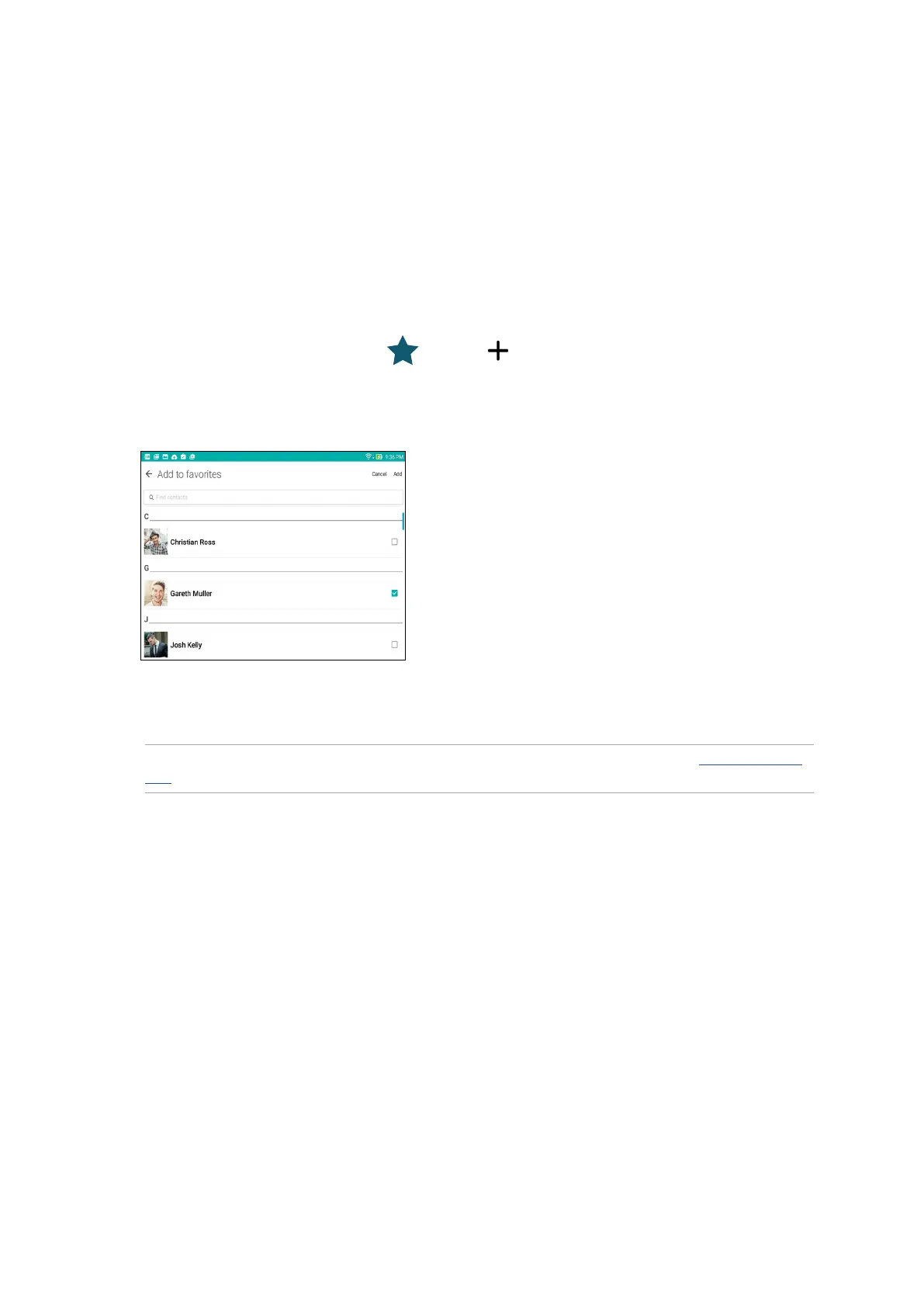
4. When done, tap Add. All contacts that you added appear on Favorites screen.
NOTE: You can also set a favorite contact as a VIP. For more details, refer to the section Setting up your
VIPs.
Marking your favorite contacts
Set your frequently-accessed contacts as your favorites to be able to locate them quickly from the
Contacts app.
1. Launch the Contacts app by doing any of the following:
a. From the Home screen, tap ASUS > Contacts app.
b. From the All Apps screen, tap Contacts app.
2. From the Contacts app screen, tap then tap .
3. Tick the boxes of the contacts that you wish to add to Favorites.



 To Next Page