Chapter 3: Keeping in touch
53
Adding an event to a VIP contact
You can add an event to a VIP contact such as anniversary, birthday, and other important events.
1. Launch the Contacts app, tap the contact you want to add an event detail to, then tap .
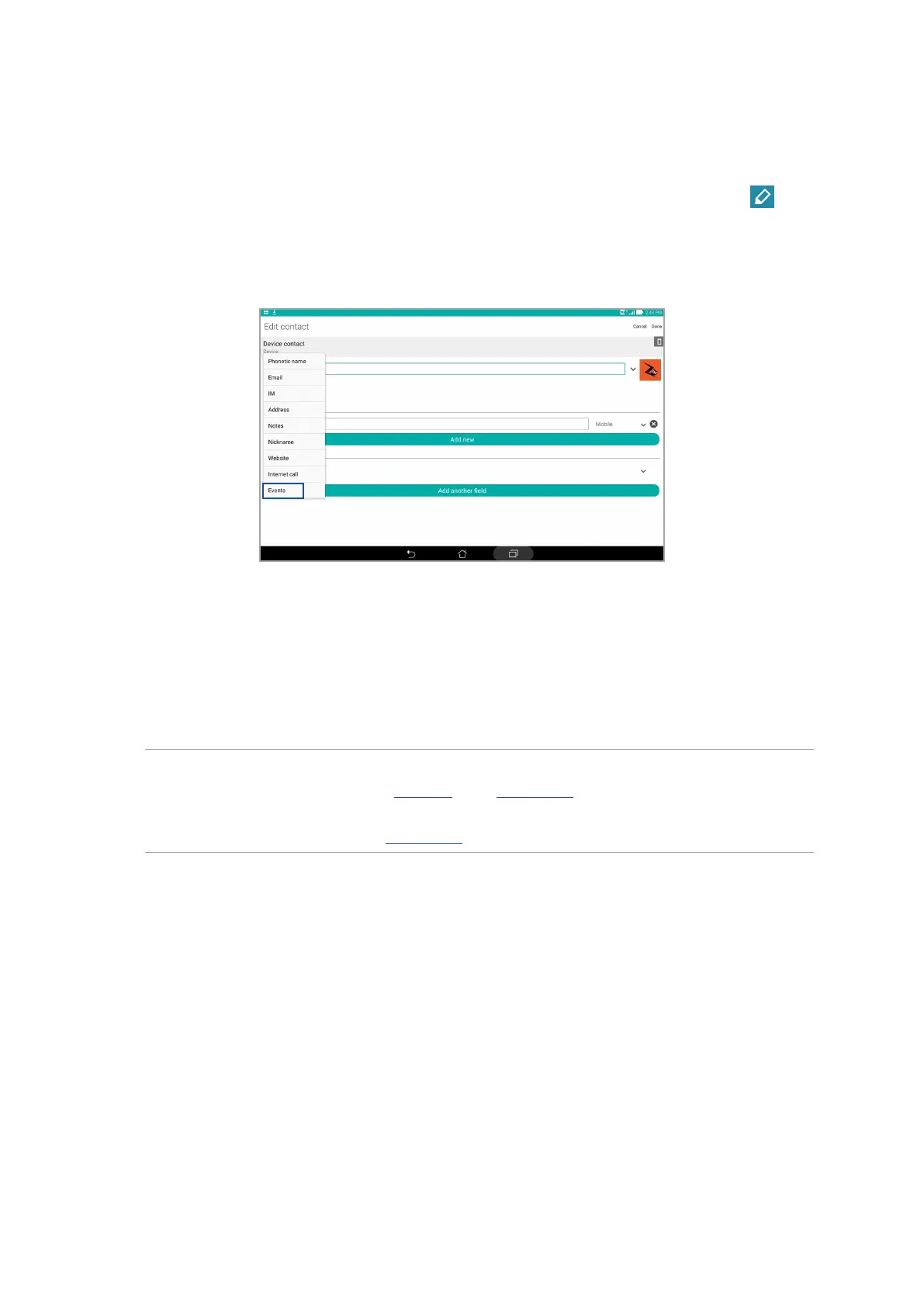
2. In the contact’s info screen, tap Add another eld > Events.
3. Select the date for the event, then tap Set.
4. Ensure that you select VIP under the Group eld. When nished, tap Done.
5. The contact’s special event will appear in your calendar of events. If you want to get an event
alert, set the reminder time in the Calendar app.
NOTE:
• SettheremindertimeforeventsinCalendar to get What’s Next event alerts or reminders.
• Asidefromgettingupcomingeventsreminders,you'llalsogetnewemailandSMSmessagefrom
What'sNext.For more details, see What’s Next.



 To Next Page